
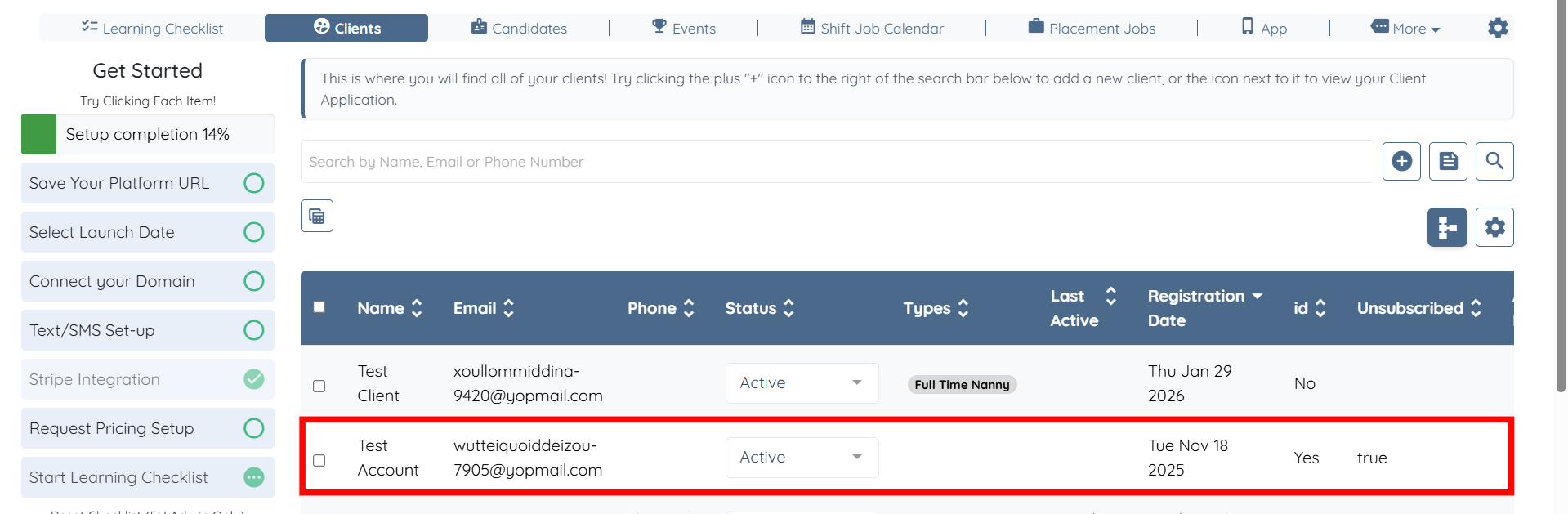
1. From your Mission Control select a Client or Candidate.
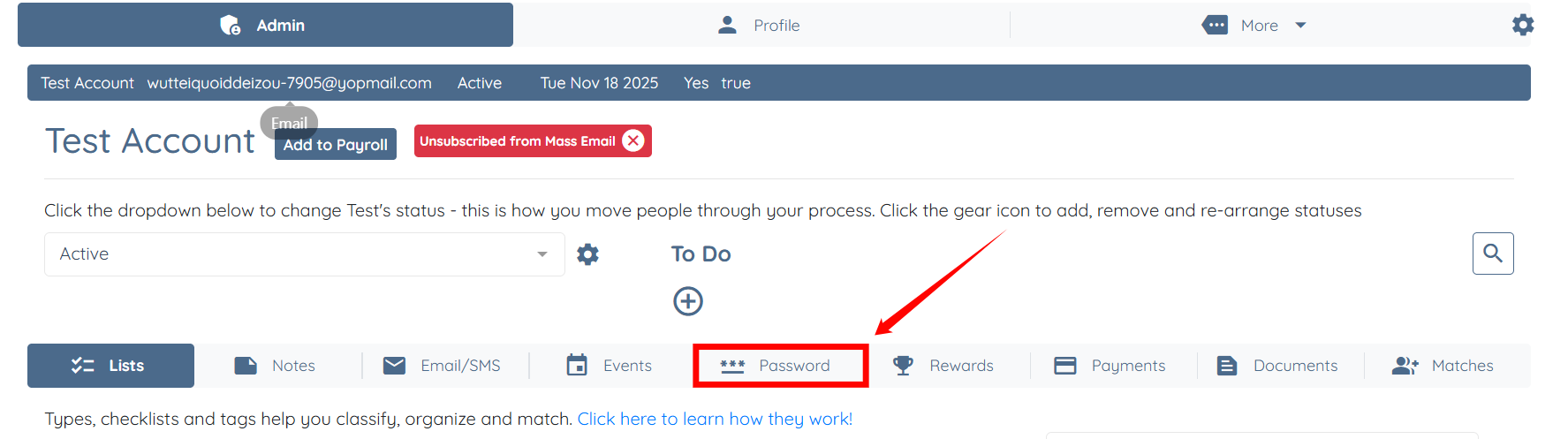
2. From the Admin tab select Password on the second table.
3. Add a new password to the You can manually reset the user's password here text box and select Update Password.
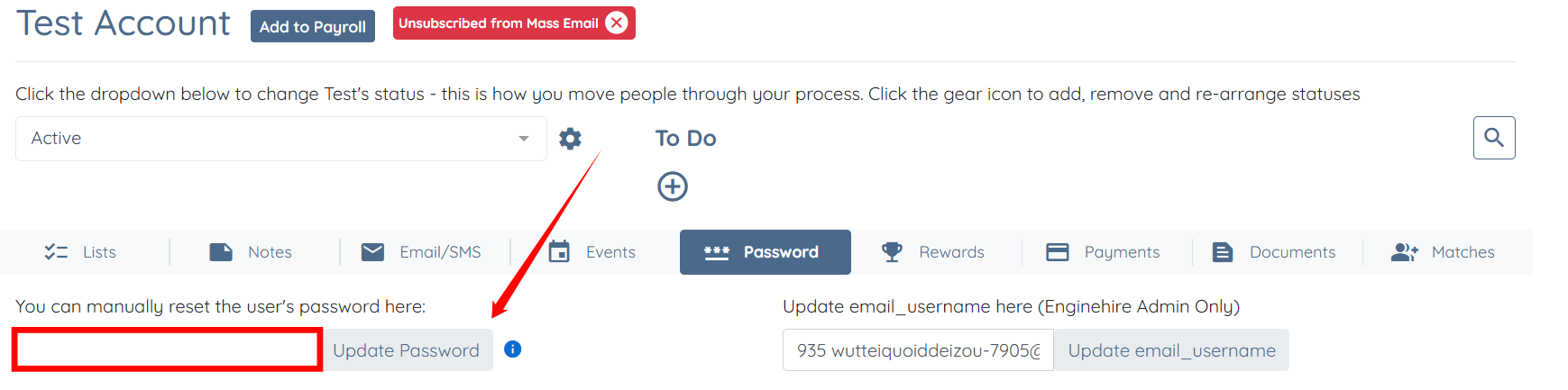
4. Reach out to the user and let them know their password has been updated to the newly created password.
If this content doesn't answer your questions you can always contact us by clicking here