Let’s get started 🚀
Set availability for admins to define when they can be booked for meetings. Availability must be configured before creating booking calendars.
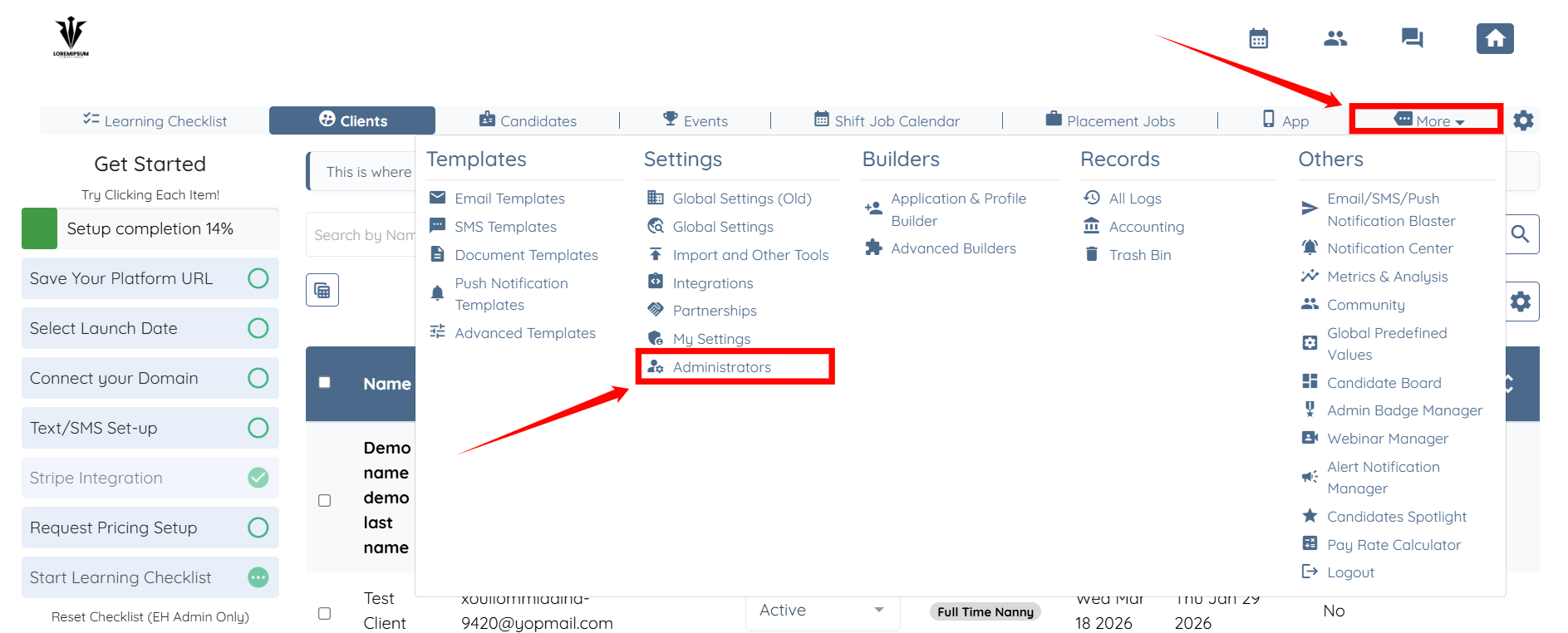
Step 1: Log in to your agent dashboard and click More > Administrators as shown in the screenshot below.
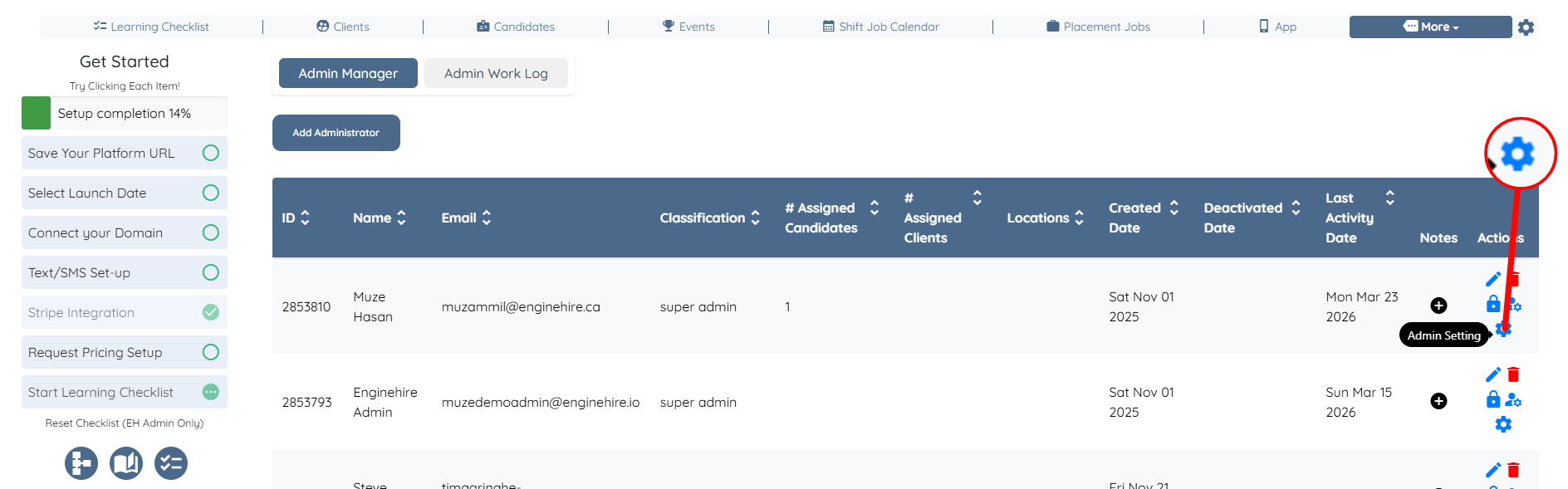
Step 2: Click the gear icon corresponding to the admin for whom you want to set availability.
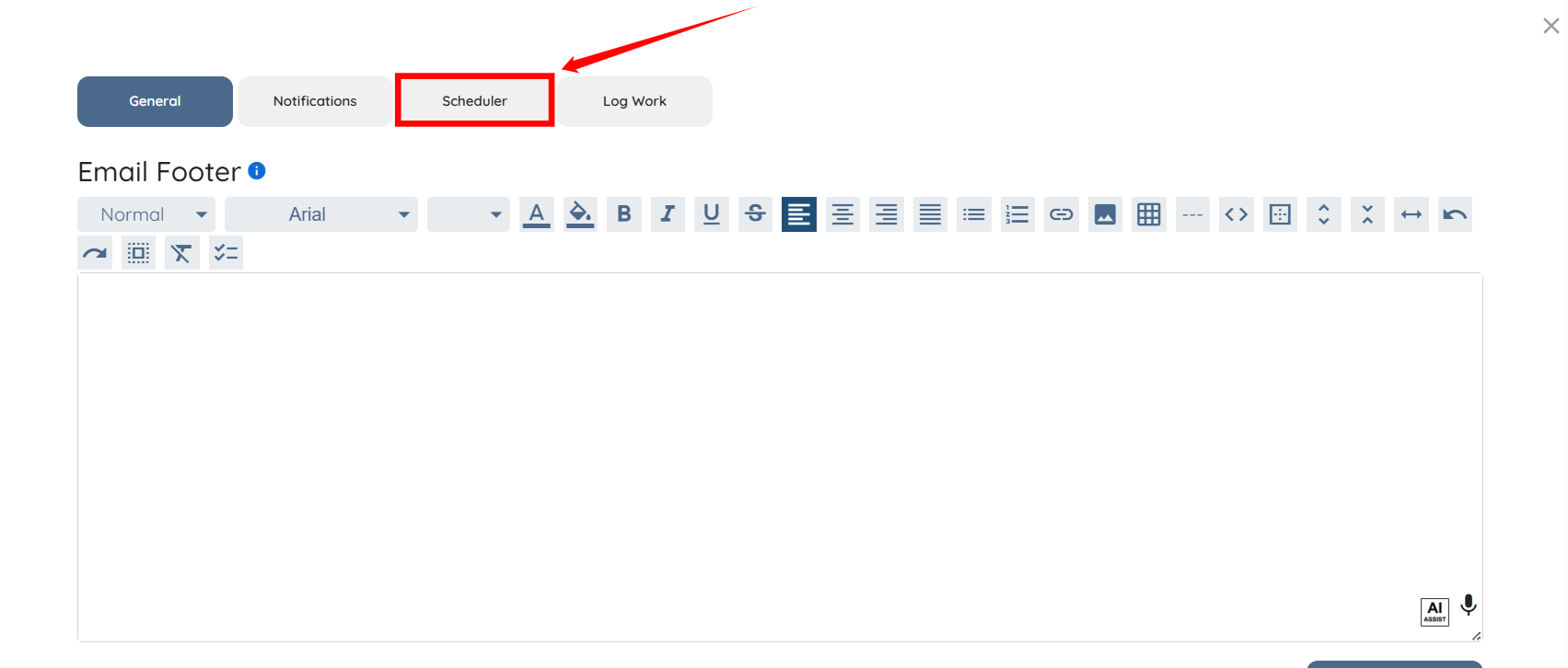
Step 3: Click the Scheduler button.
Step 4: Scroll down and click Add My Availability button.
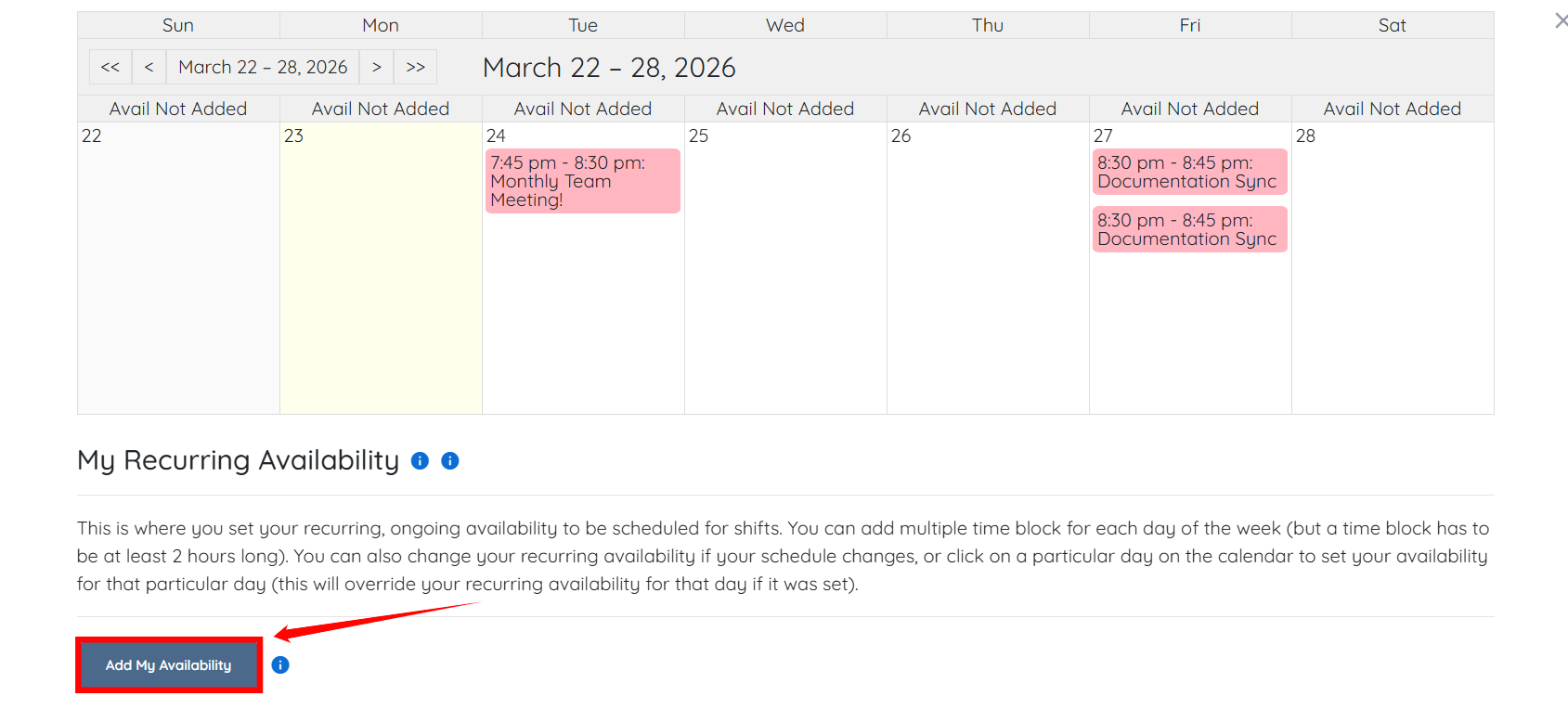
Step 5: Click Add Time Block within a day to define availability.
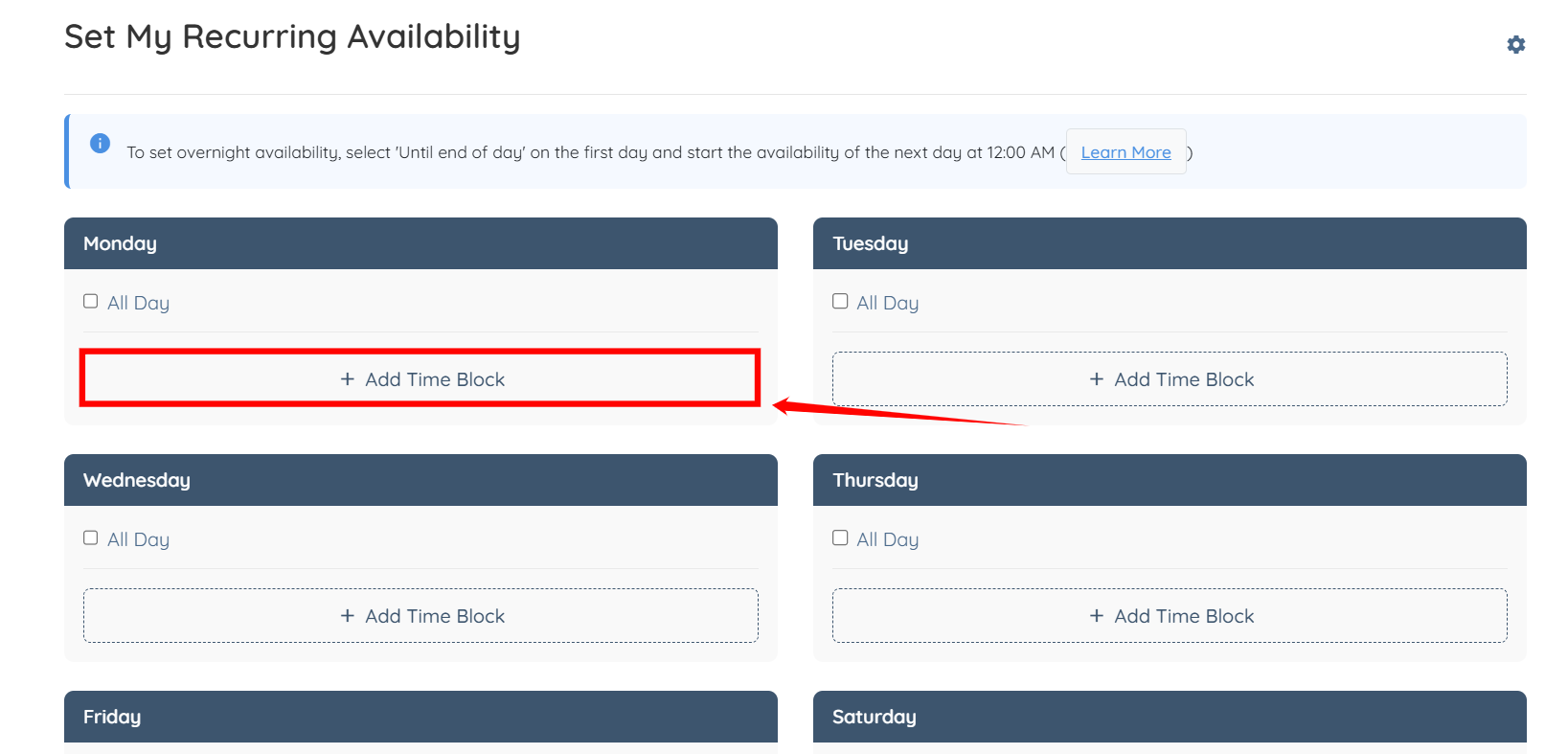
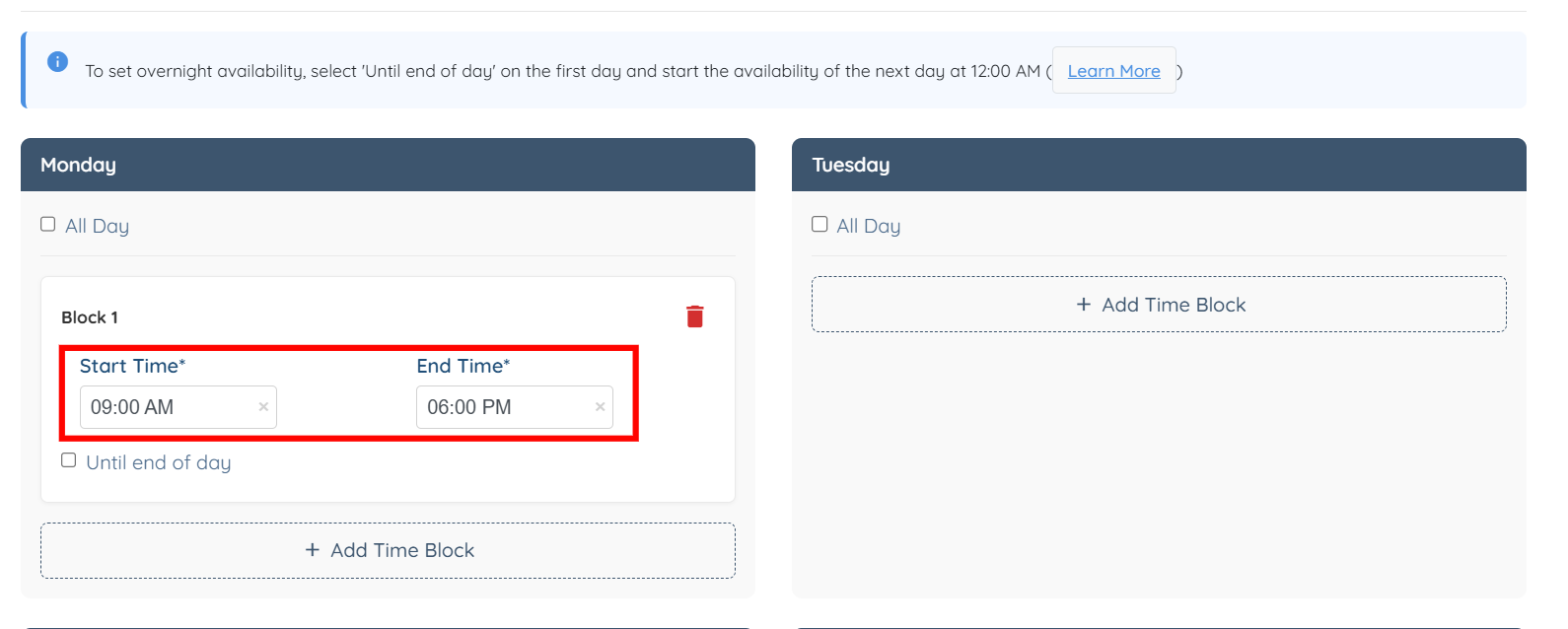
Step 6: Enter the Start Time and End Time.
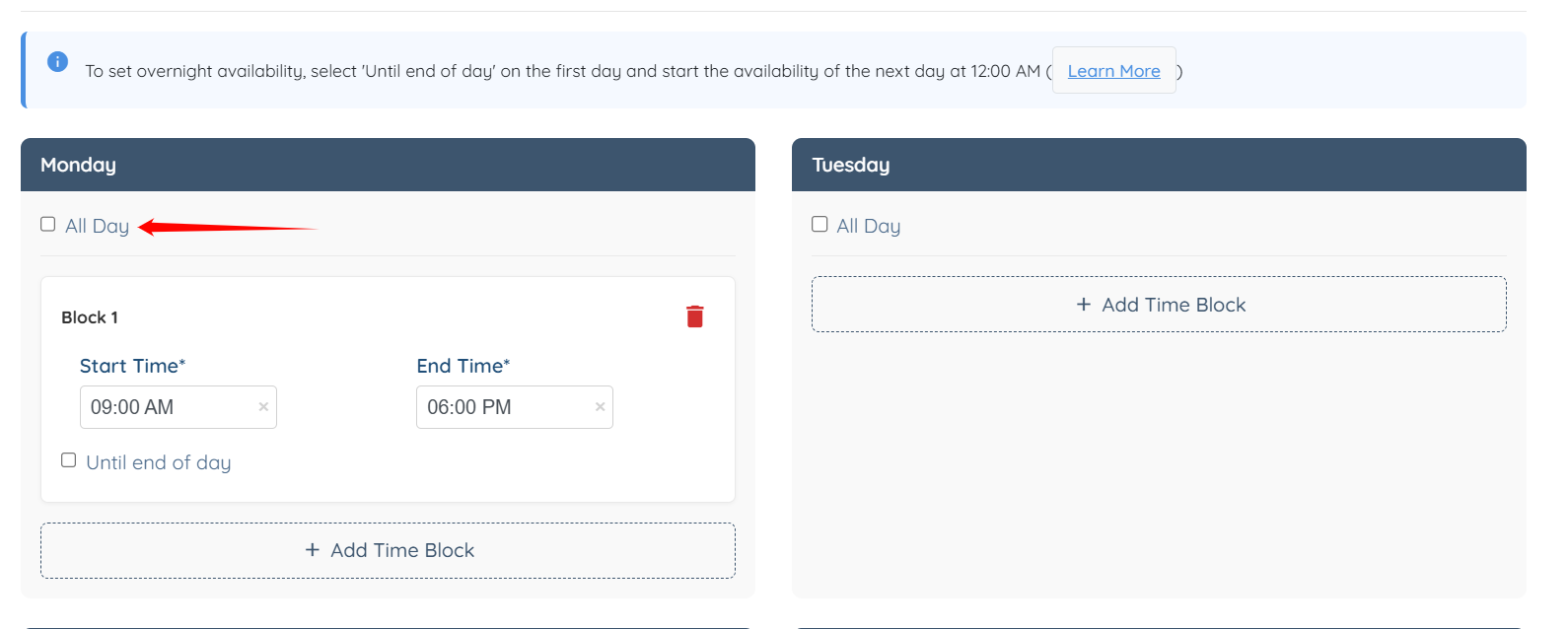
You can also select the All Day checkbox to set availability for the entire day.
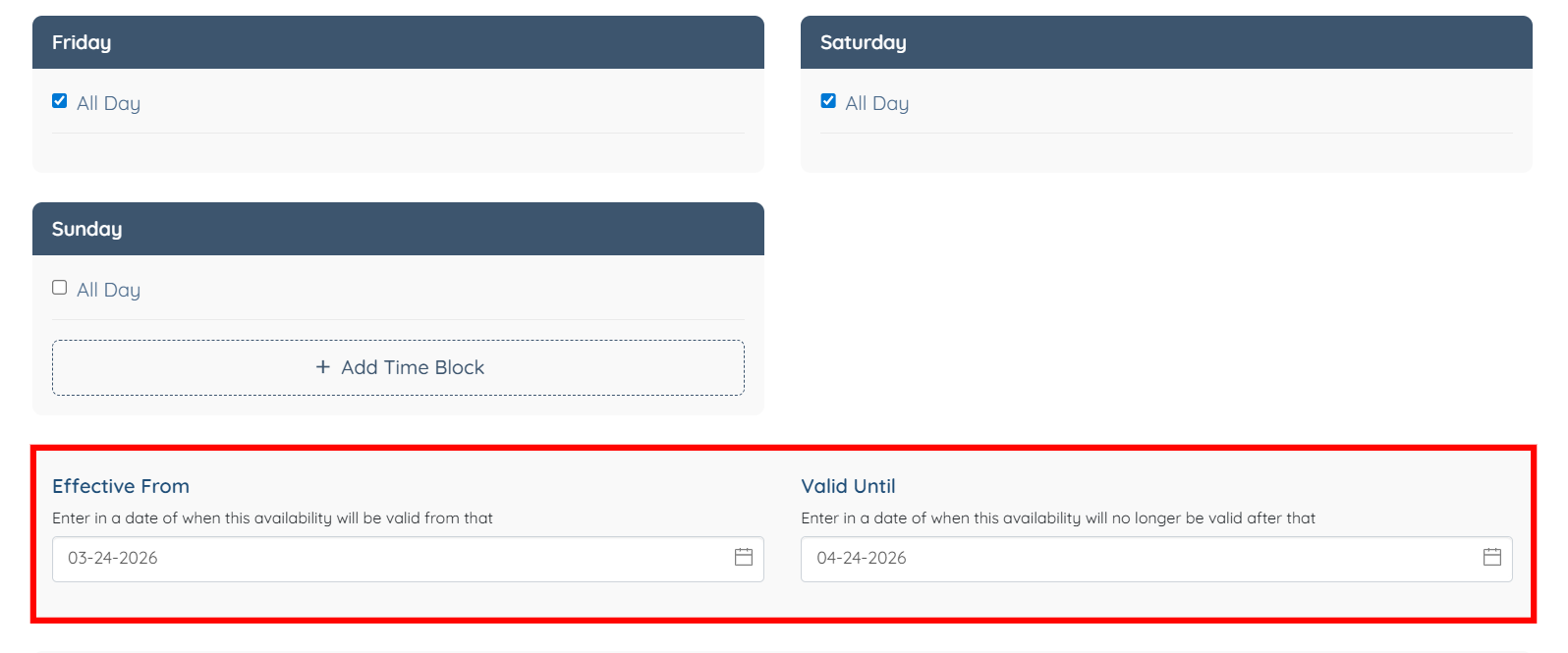
Step 7: After you enter your complete availability, enter the start date and end date for which the availability should apply.
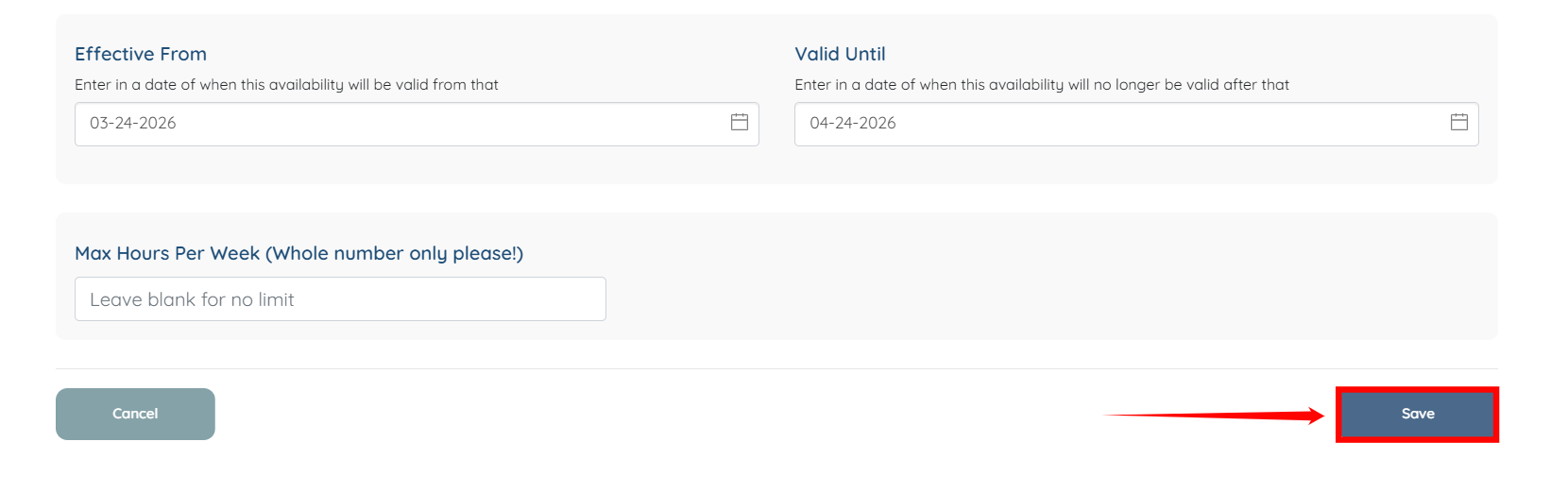
Step 8: Click the Save button to proceed.
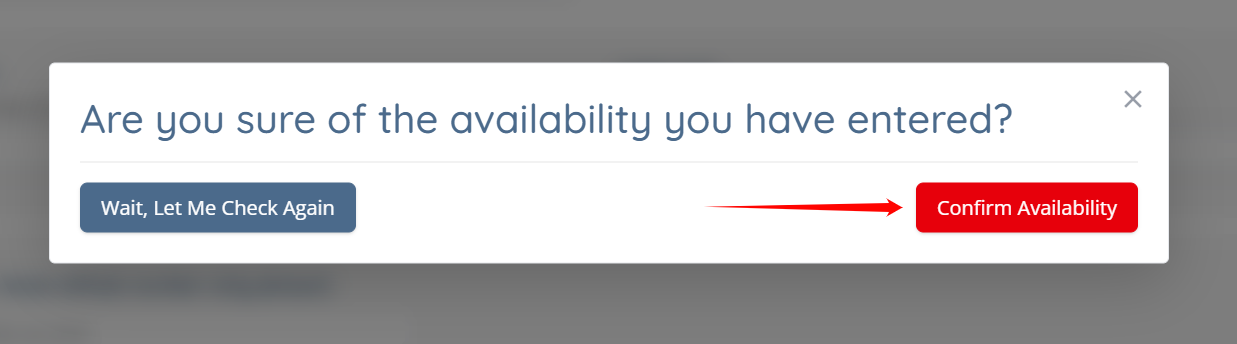
Step 9: Click the Confirm Availability button.
The availability will be added successfully.
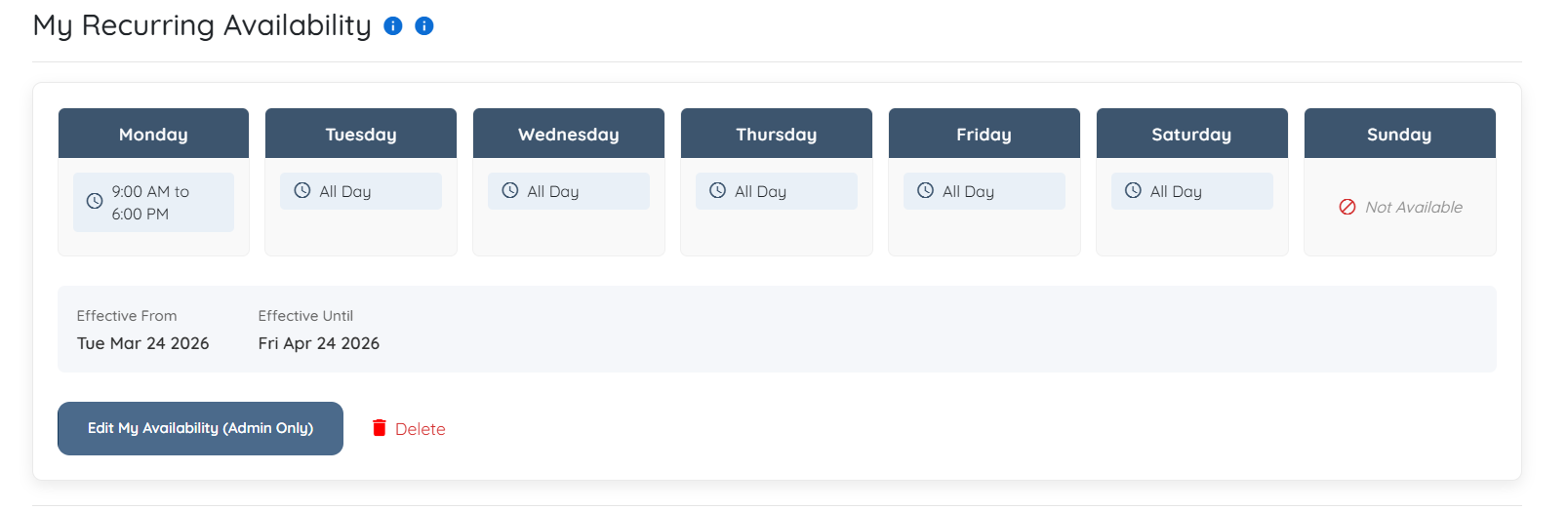
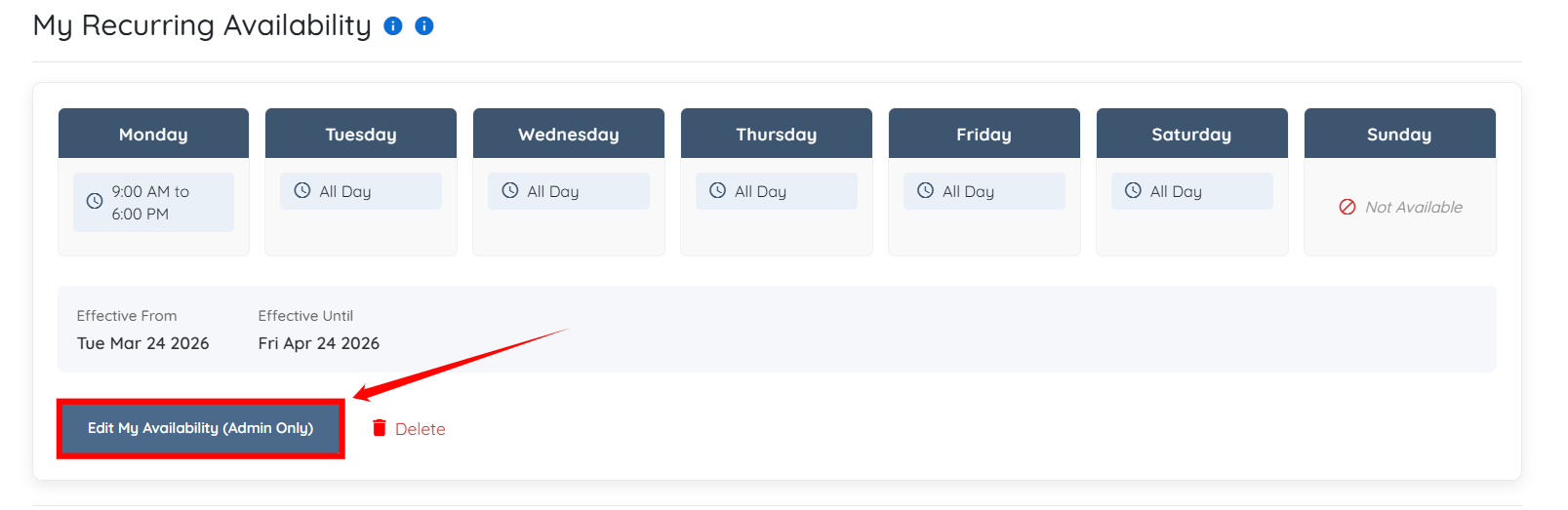
You can edit your availability at any time by clicking the Edit My Availability (Admin Only) button.
Add a scheduling section to the client profile to allow clients to book meetings based on admin availability.
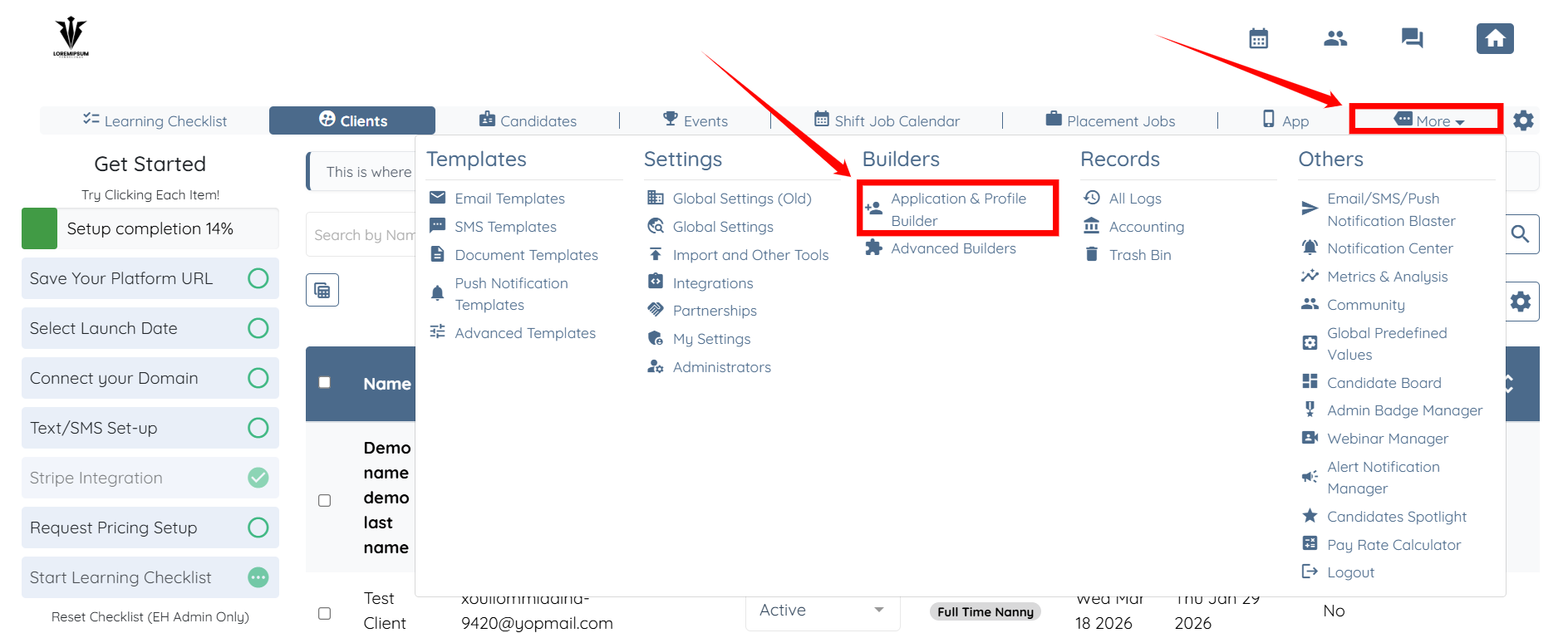
Step 1: On your agent dashboard, click More > Application & Profile Builder as shown in the screenshot below.
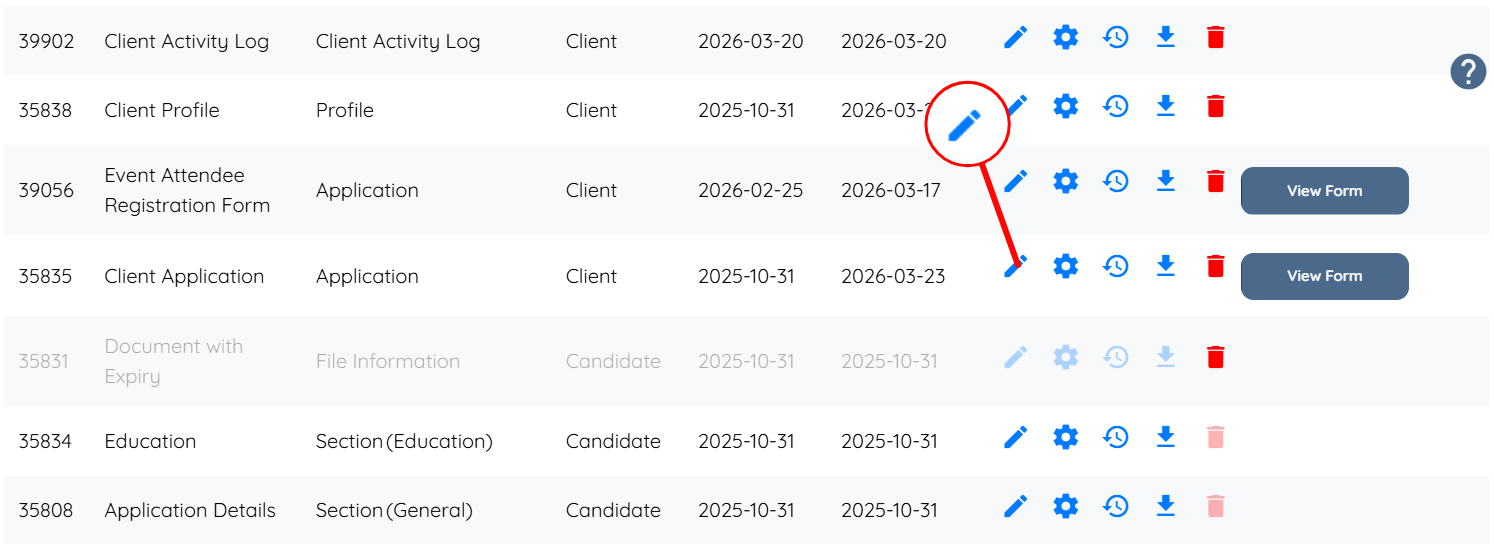
Step 2: Locate the Client Application and click the corresponding pencil icon.
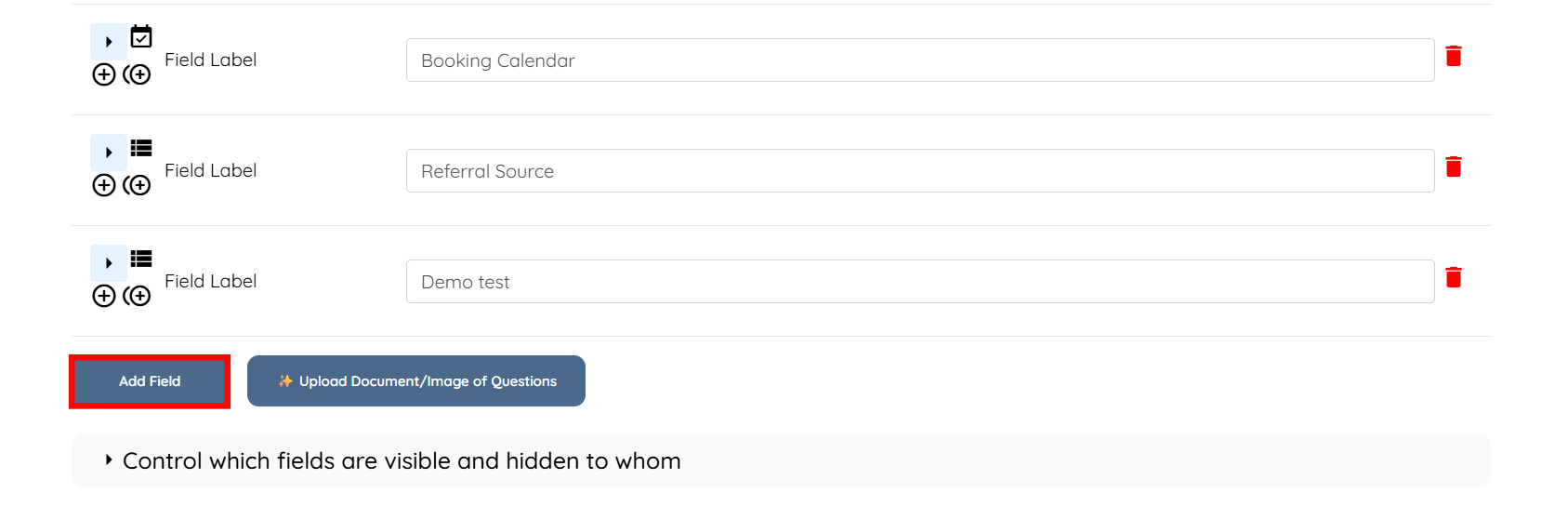
Step 3: Scroll down and click the Add Field button.
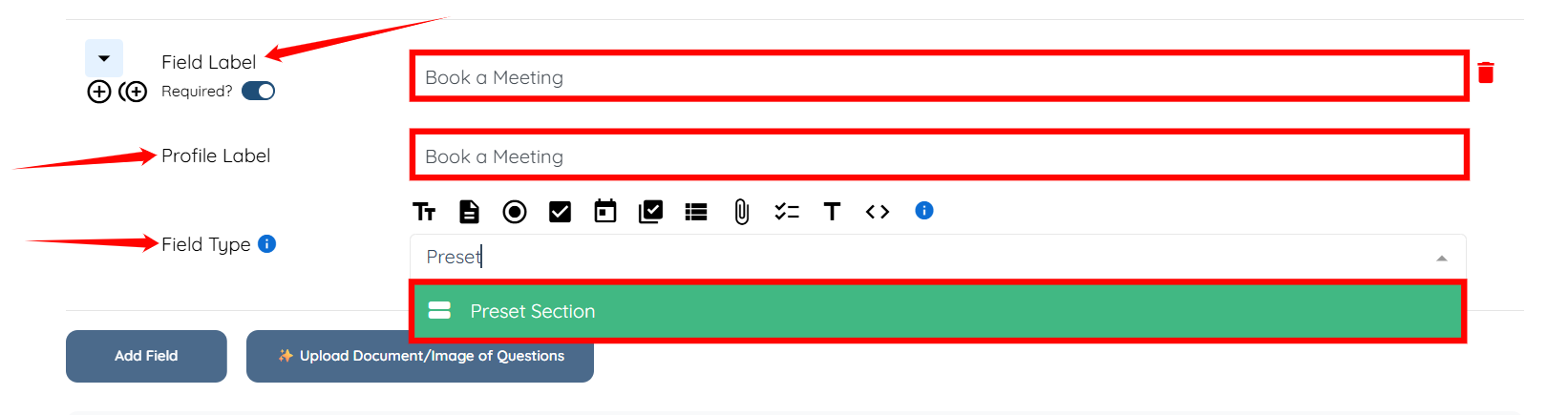
Step 4: Enter the Field Label and Profile Label, then select the Preset Section as the Field Type.
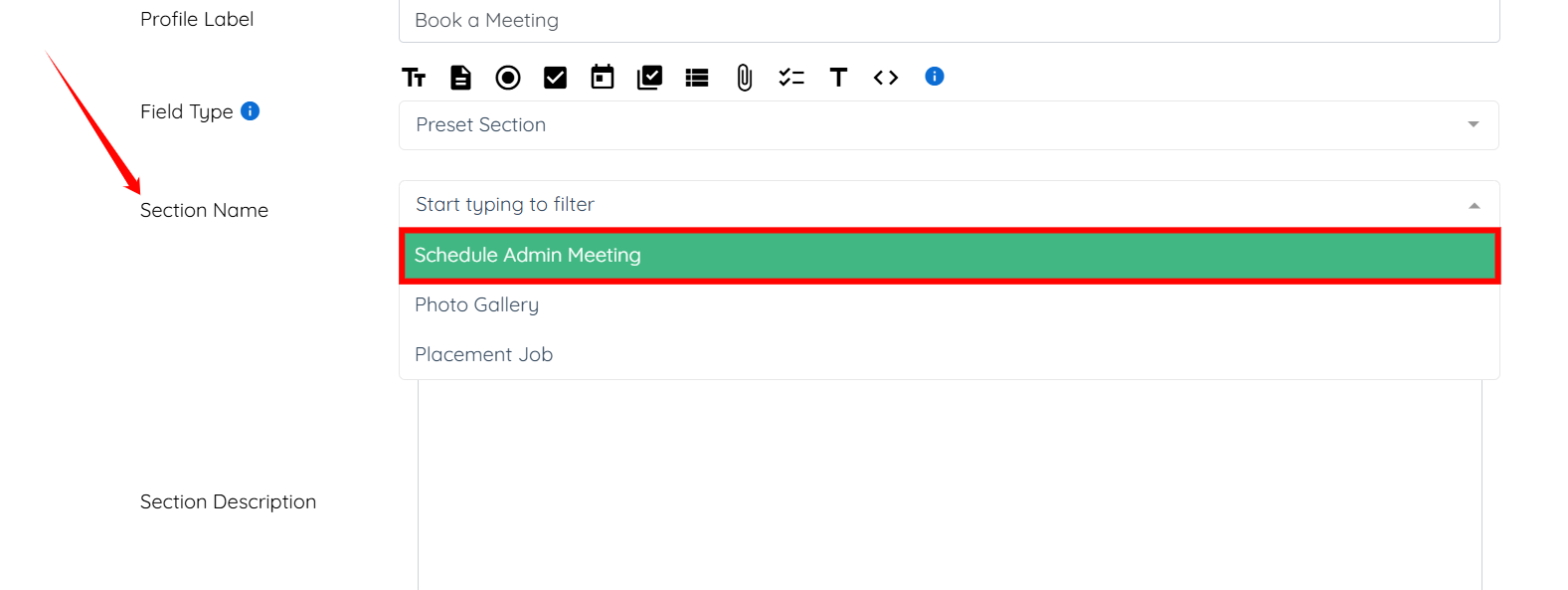
Step 5: In the Section Name field, select Schedule Admin Meeting.
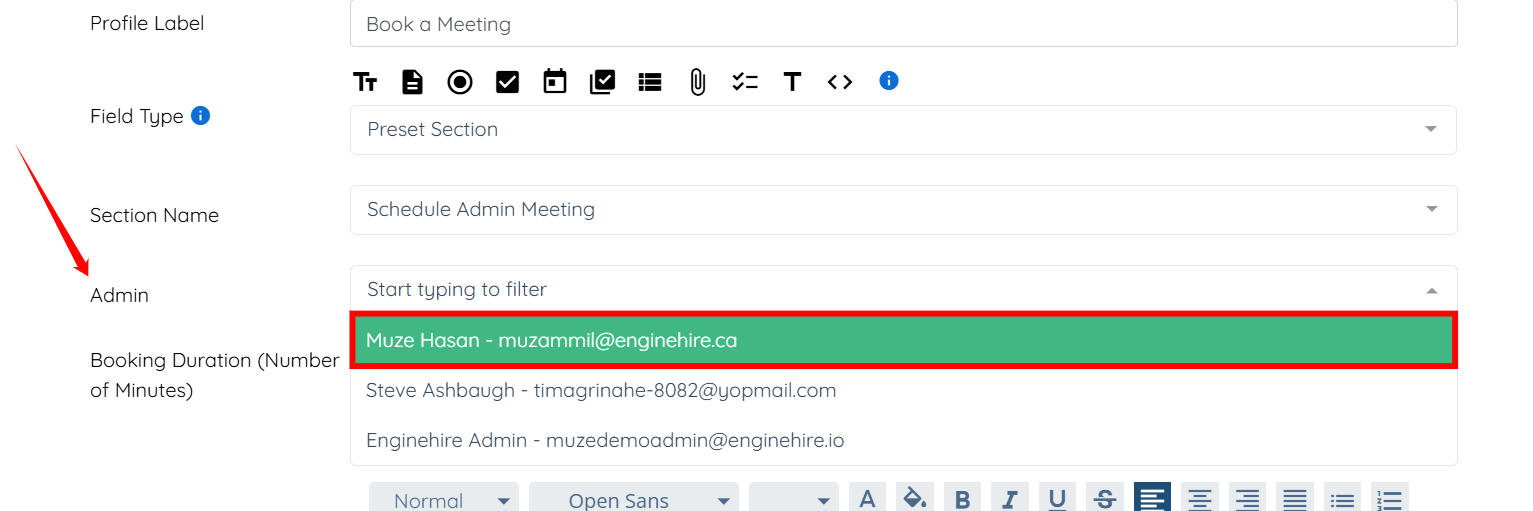
Step 6: Select the admin from the dropdown list for whom you have set availability in the Setting Availability section above.
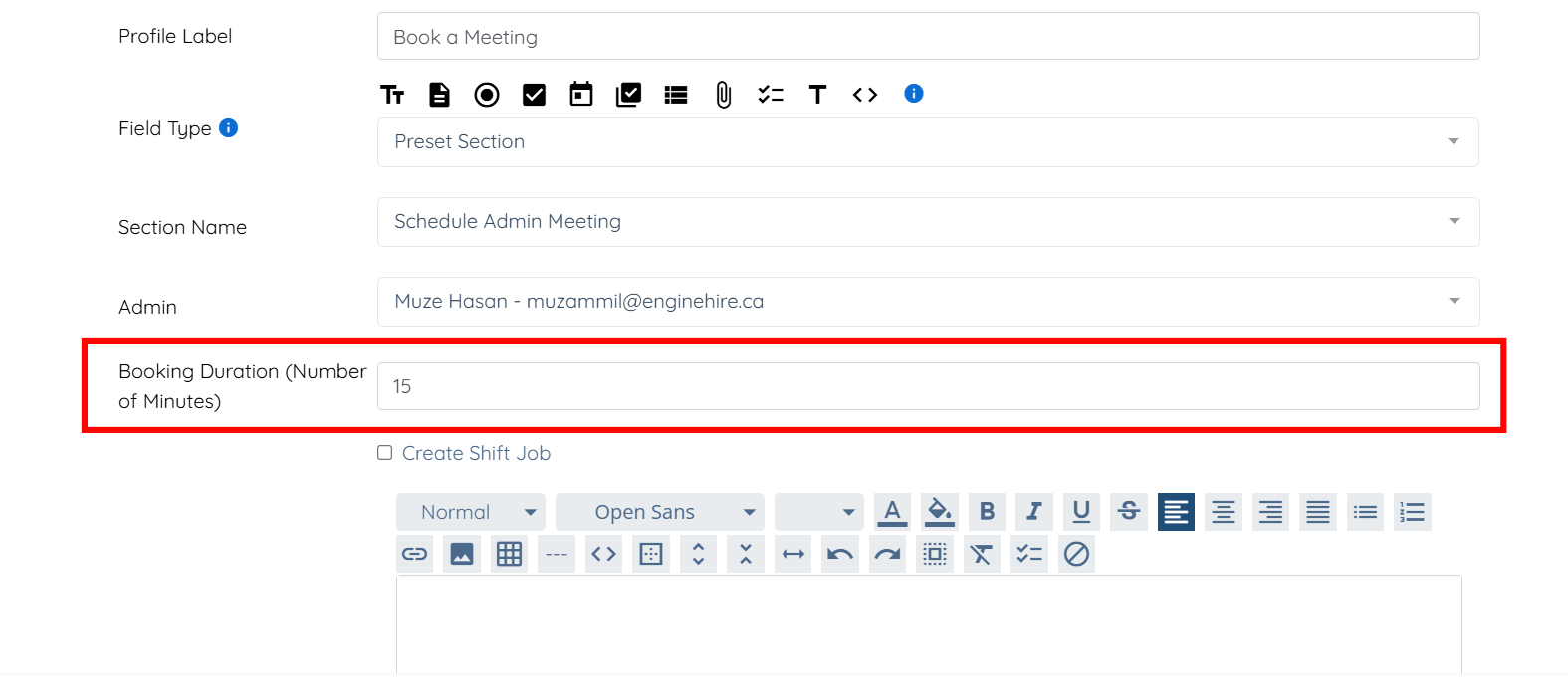
Step 7: Enter the booking duration (in minutes).
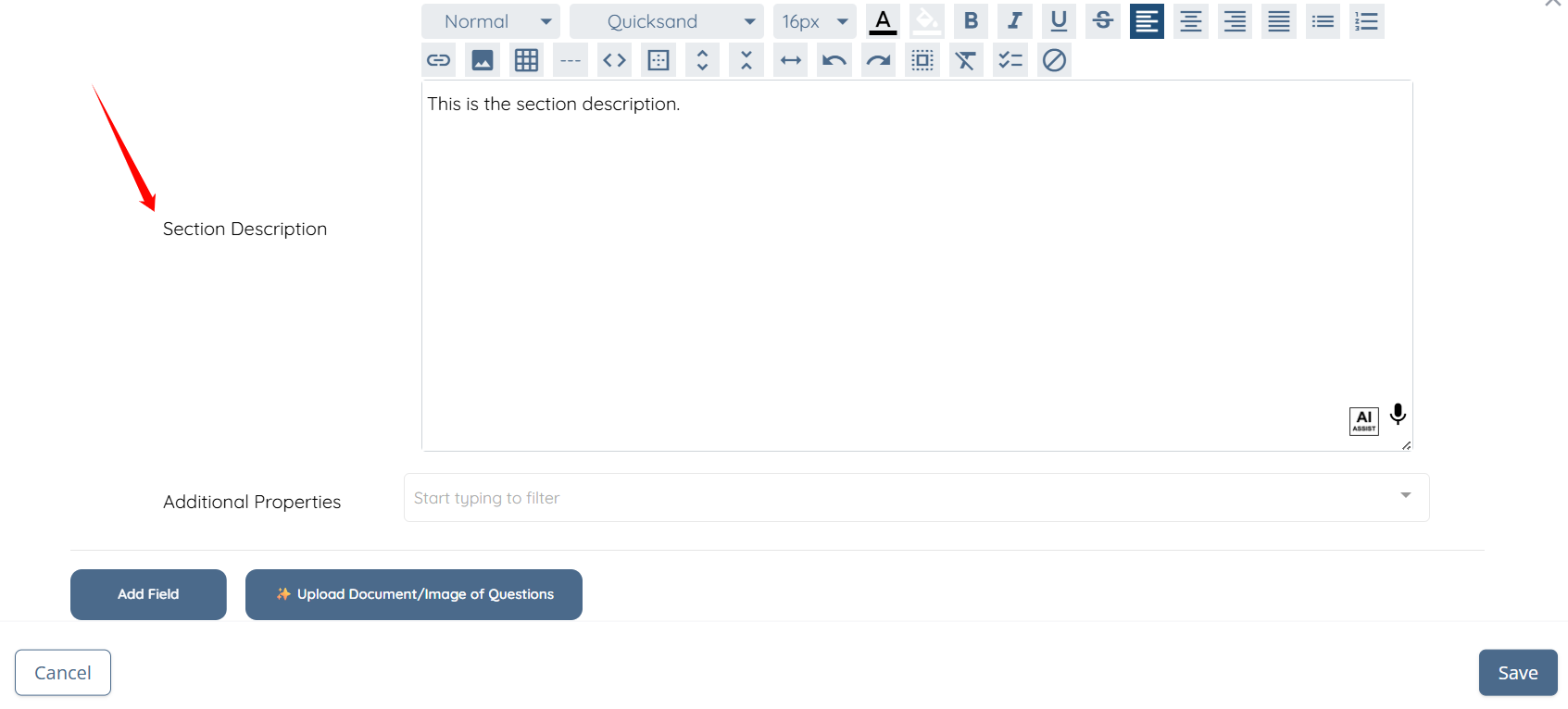
Step 8: Enter the section description if you choose to include one.
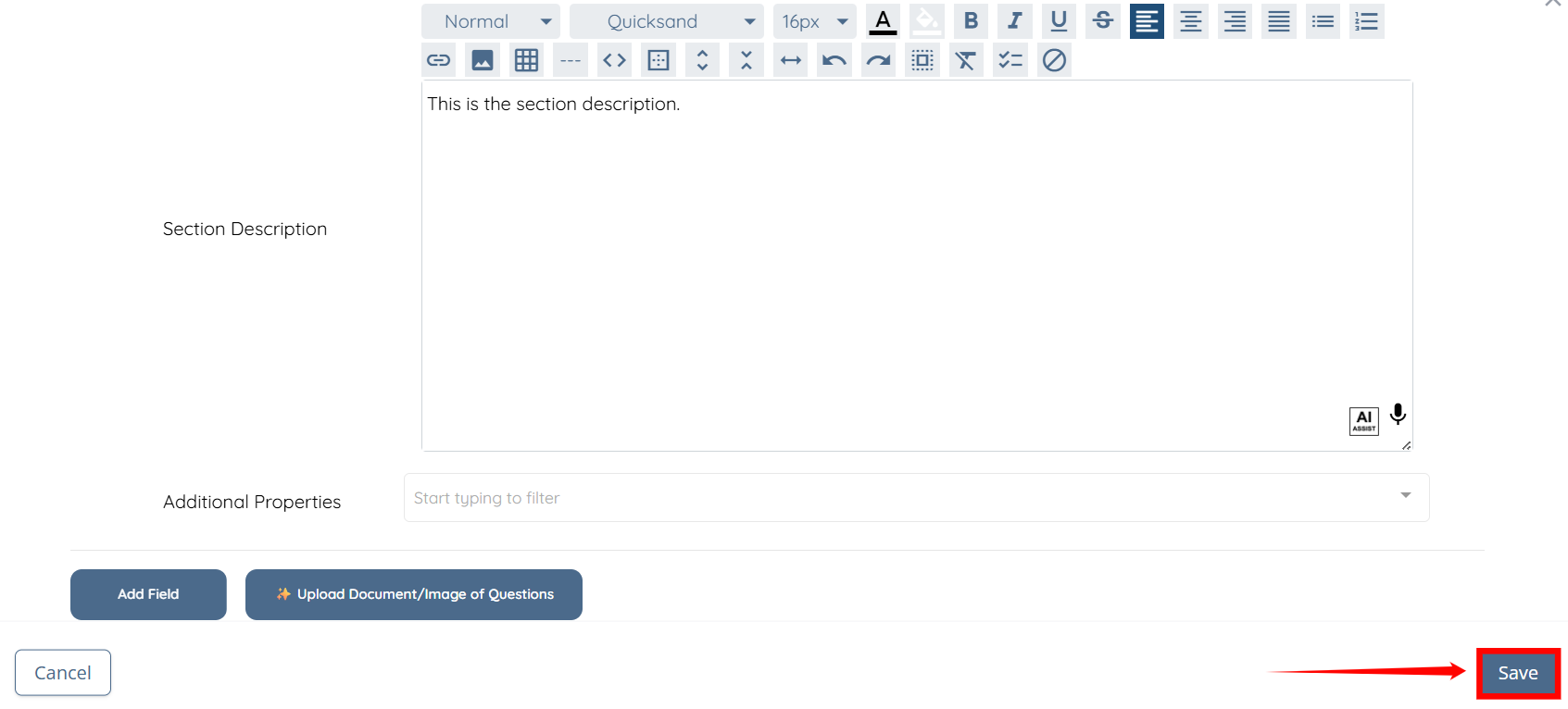
Step 9: Click the Save button to proceed.
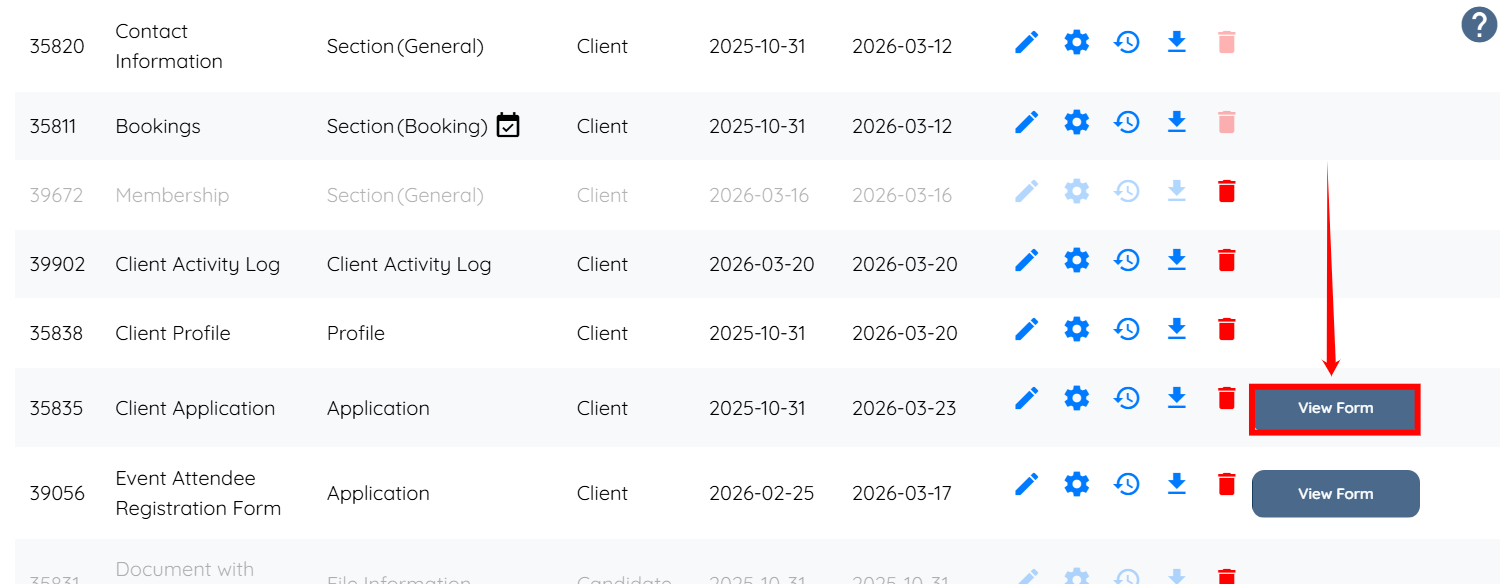
Step 10: Click the corresponding View Form button of the Client Application.
The meeting section will be added successfully to the client profile.
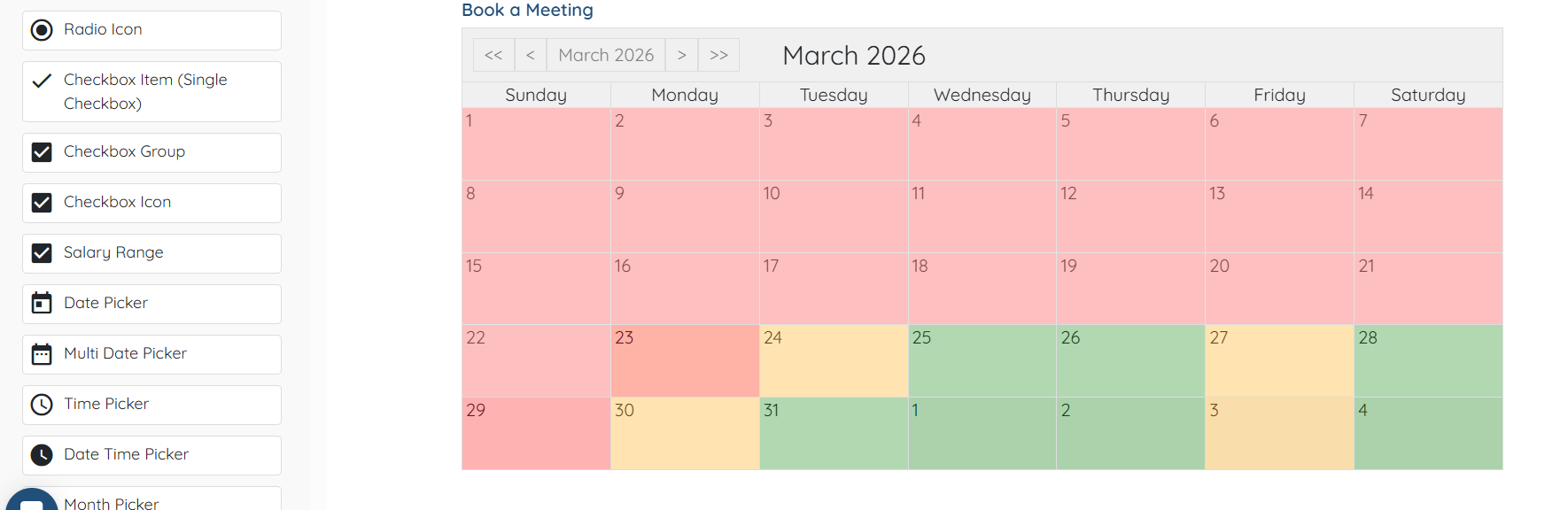
Use the scheduling section to book a meeting based on the available time slots.
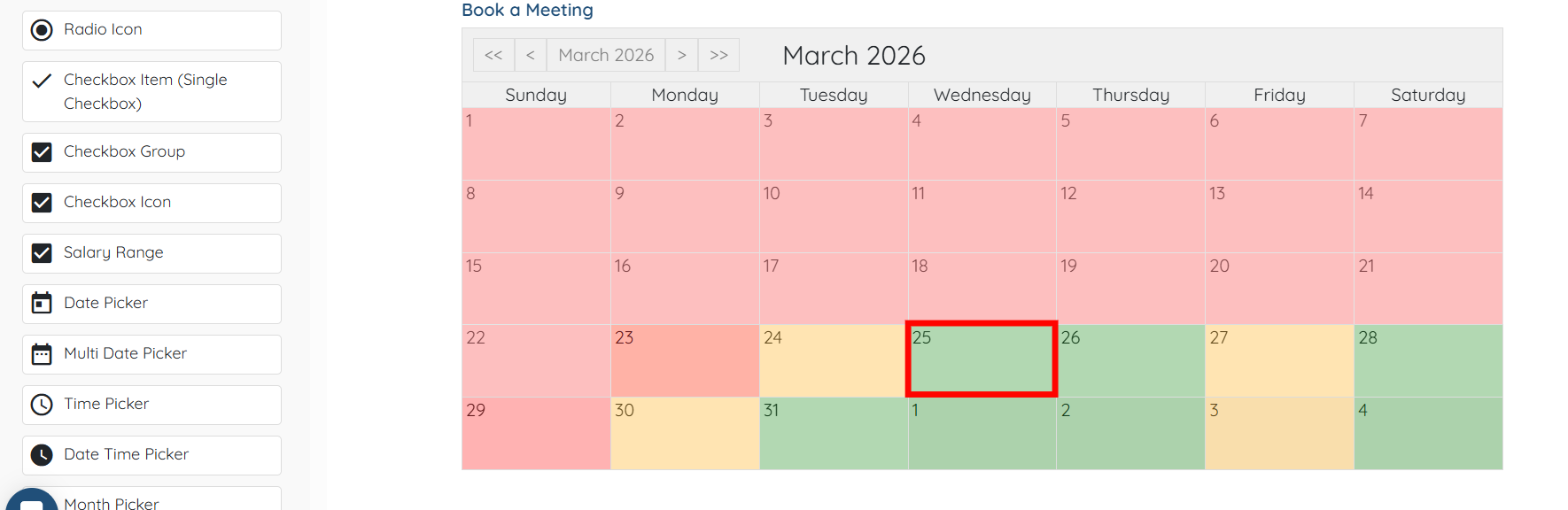
Step 1: Click on any available date in the calendar.
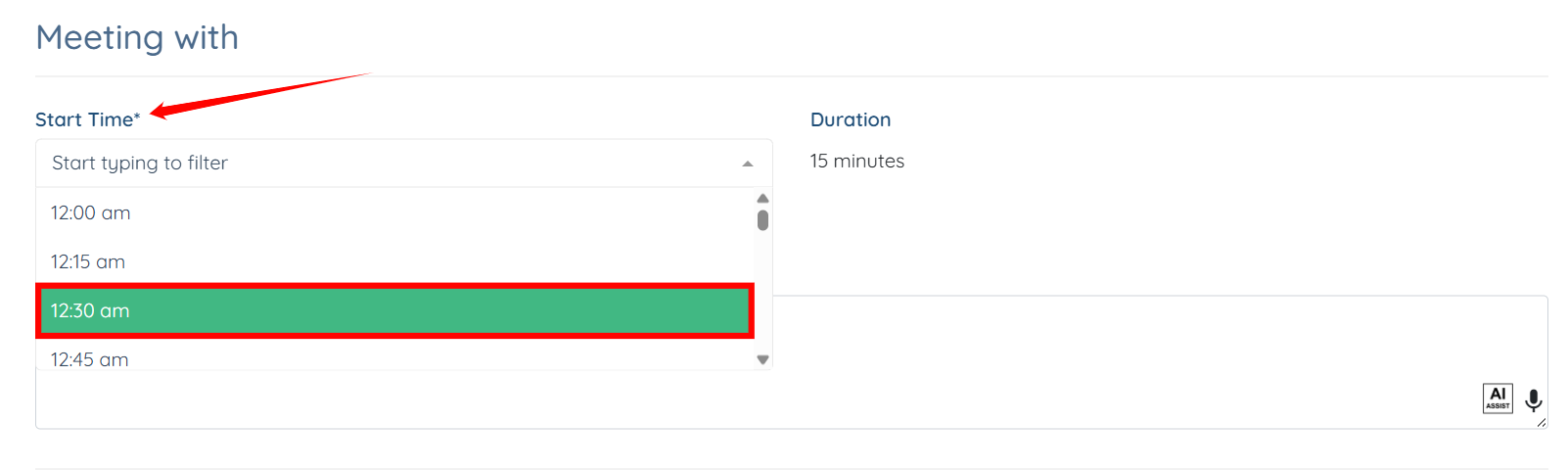
Step 2: Select the meeting’s start time as required.
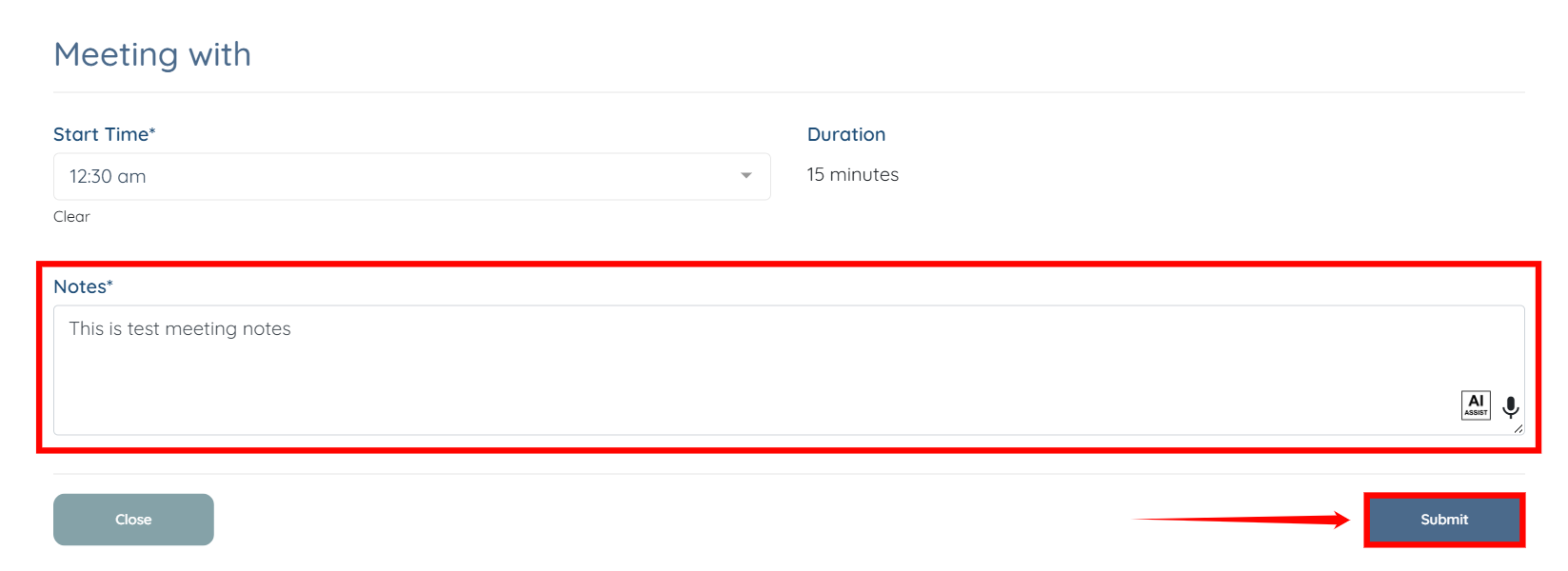
Step 3: Enter the meeting notes, and then click the Submit button to submit the request.