
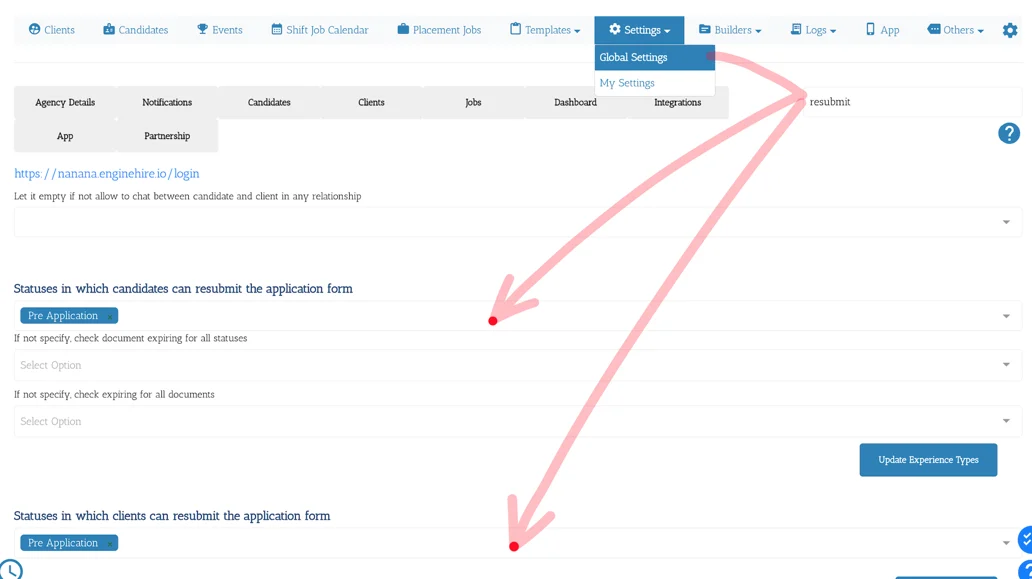
1. From Mission Control select Settings.
2. Select Global Settings.
3. Type "Resubmit" in the search box.
4. Select all the Statuses at which candidates and clients are allowed to finish and submit their application.
5. Select Update Settings.
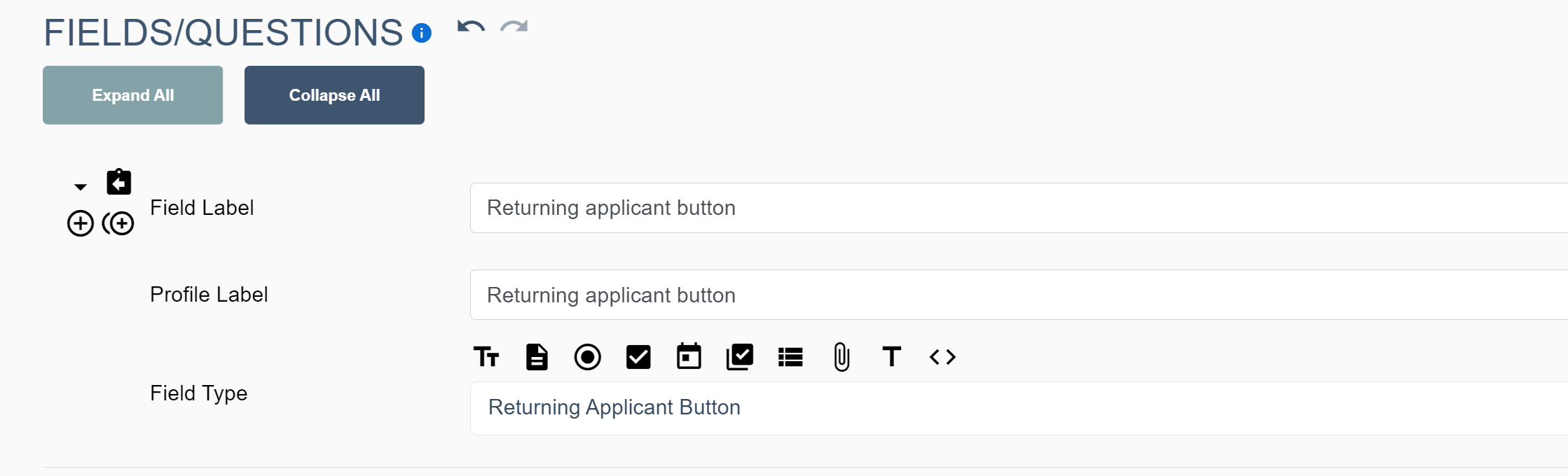
6. Add the returning applicant button in the application form, adjusting the field label while change the text of the button
Learn More About Application Started
If this doesn't answer your questions you can always contact us by clicking here