
1. From your admin dashboard, select More.
2. Select Administrators.
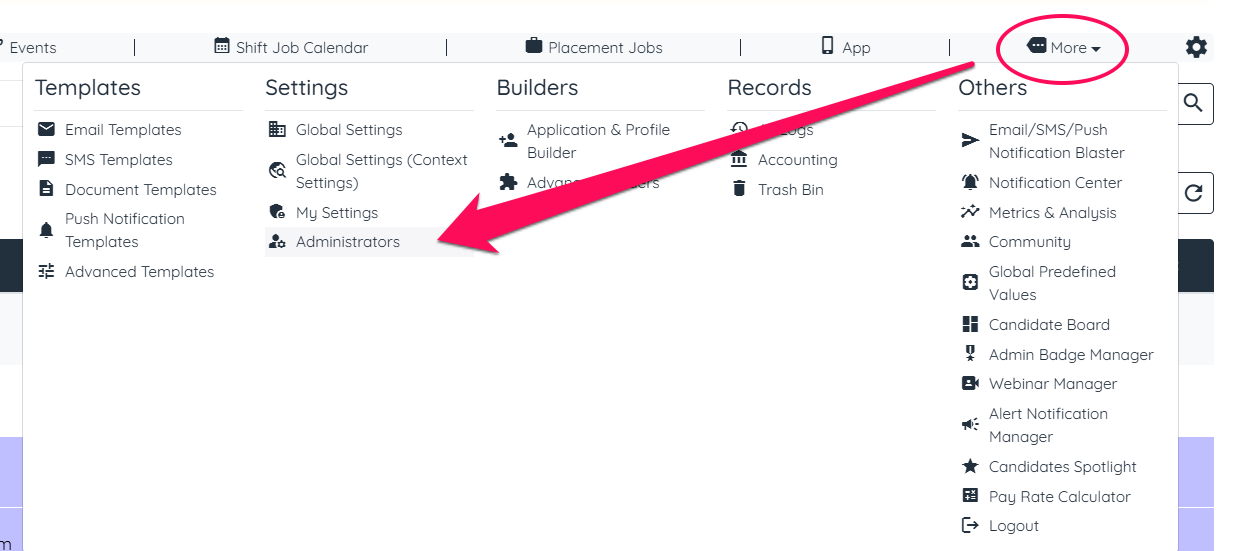
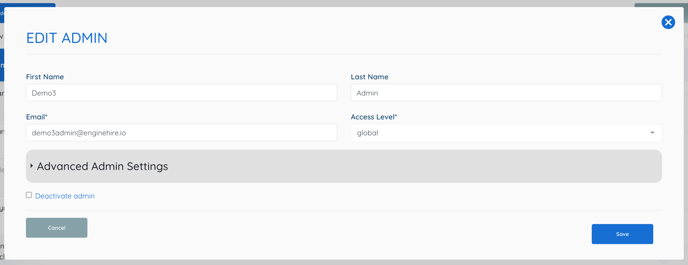
3. Select the Pencil Icon to Update Admin settings.

4. Select Advanced Admin Settings.
5. Select Locations.
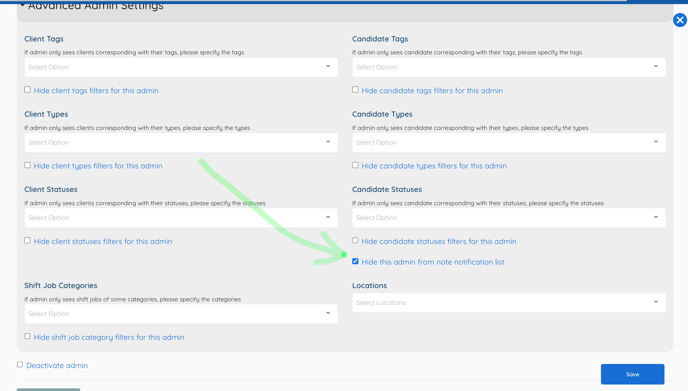
6. Select Save.
NOTE: For Documents to be separated, you must created documents for each location. Otherwise adding notification will notify admin's email that is attached.
If this doesn't answer your questions you can always contact us by clicking here