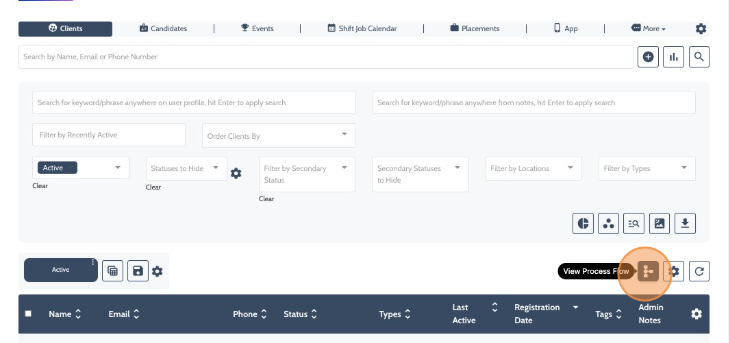
From either the Candidate or Client Dashboards, select the Process Flow Icon.
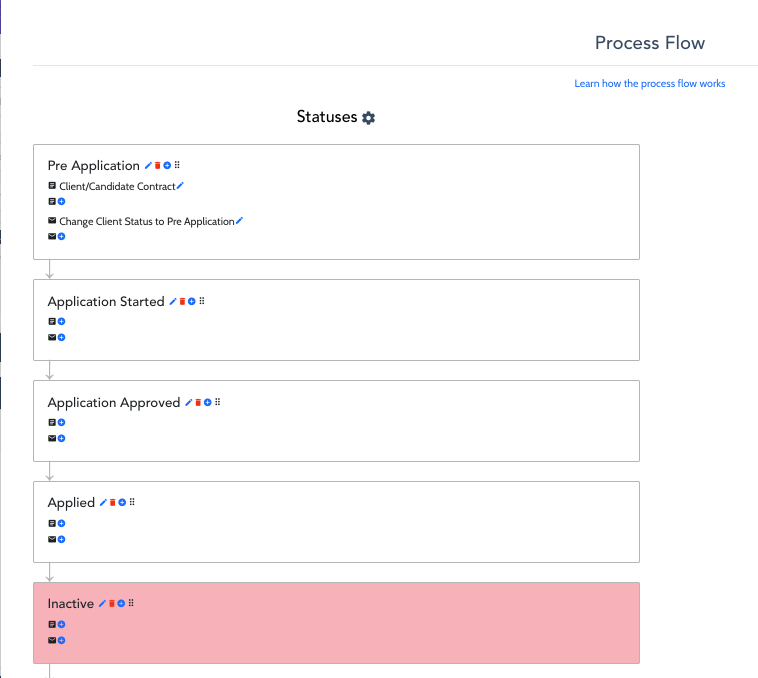
The Process Flow is a simple linear representation of your Client/Candidate workflow from start to finish (top to bottom).
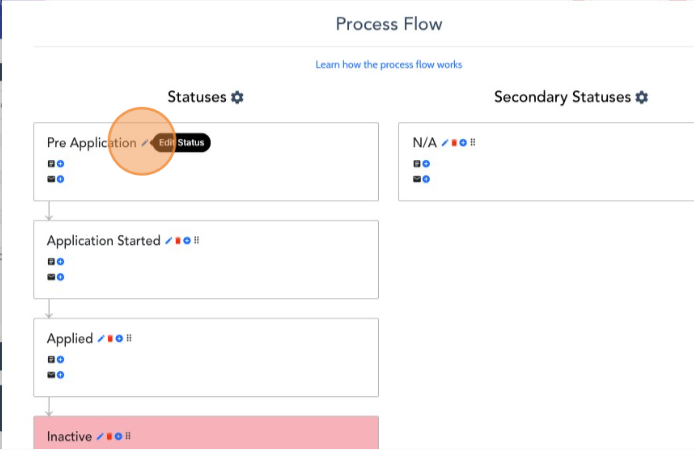
Click the pencil icon next to each status to adjust/edit their names.
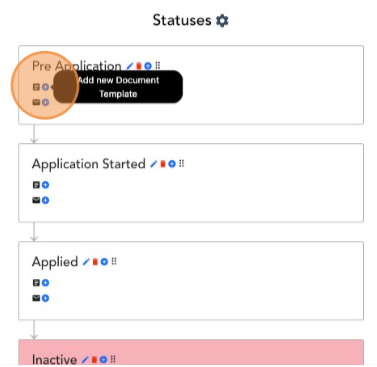
Select the “+” icon to add new or existing Document & or Email Templates that you would like to trigger at this status change.
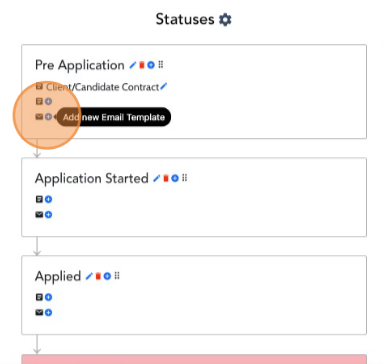
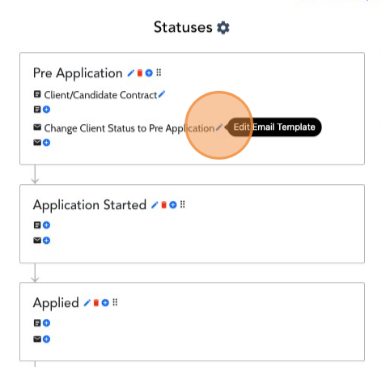
Once added, you can then click the pencil icons next to your newly added document/email template to edit as needed.
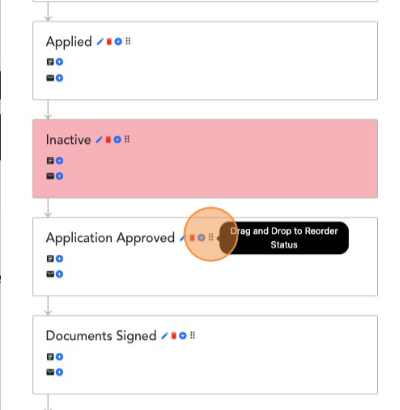
Lastly, simply click the 6 vertical dots to grab, drag, and reorder your statuses as needed.