Let’s get started 🚀
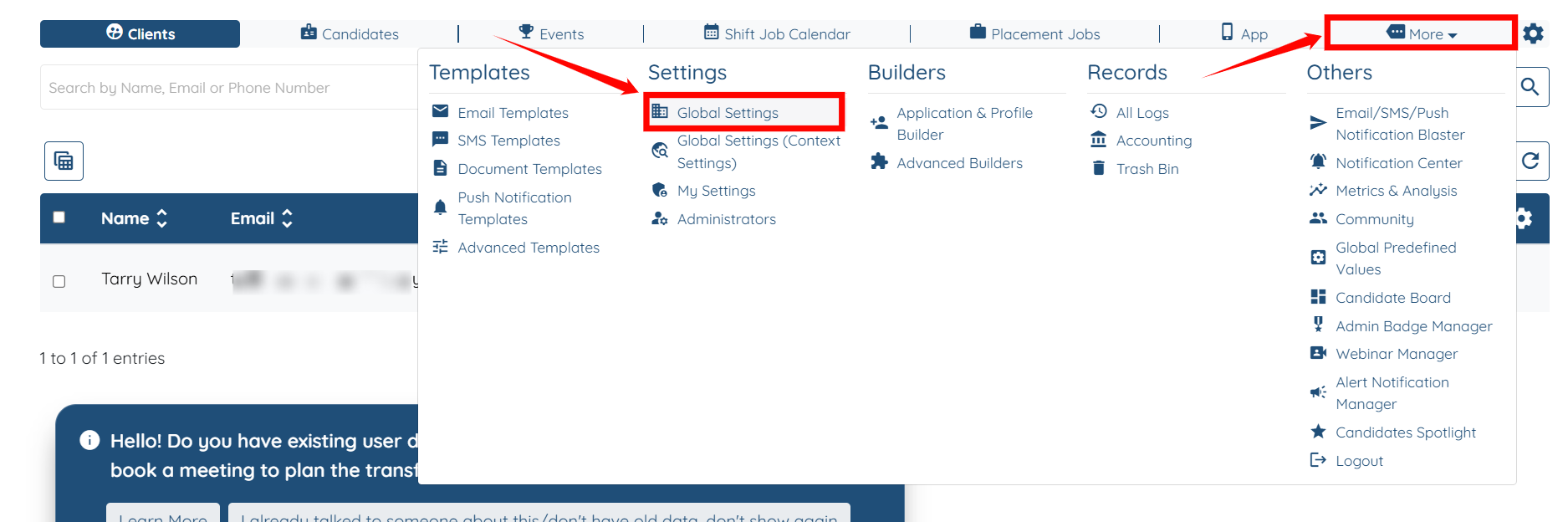
Step 1: Log in to your agent dashboard, then navigate to More > Global Settings, as shown in the screenshot below.
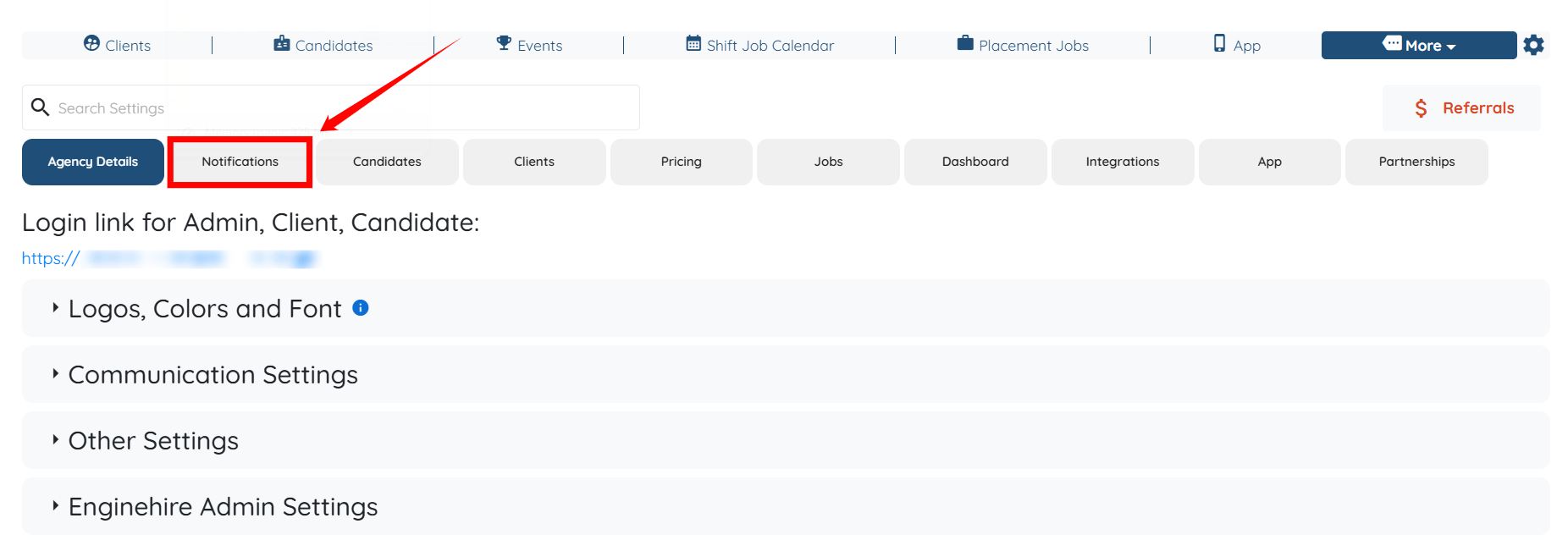
Step 2: Click the Notifications tab from the list of available tabs.
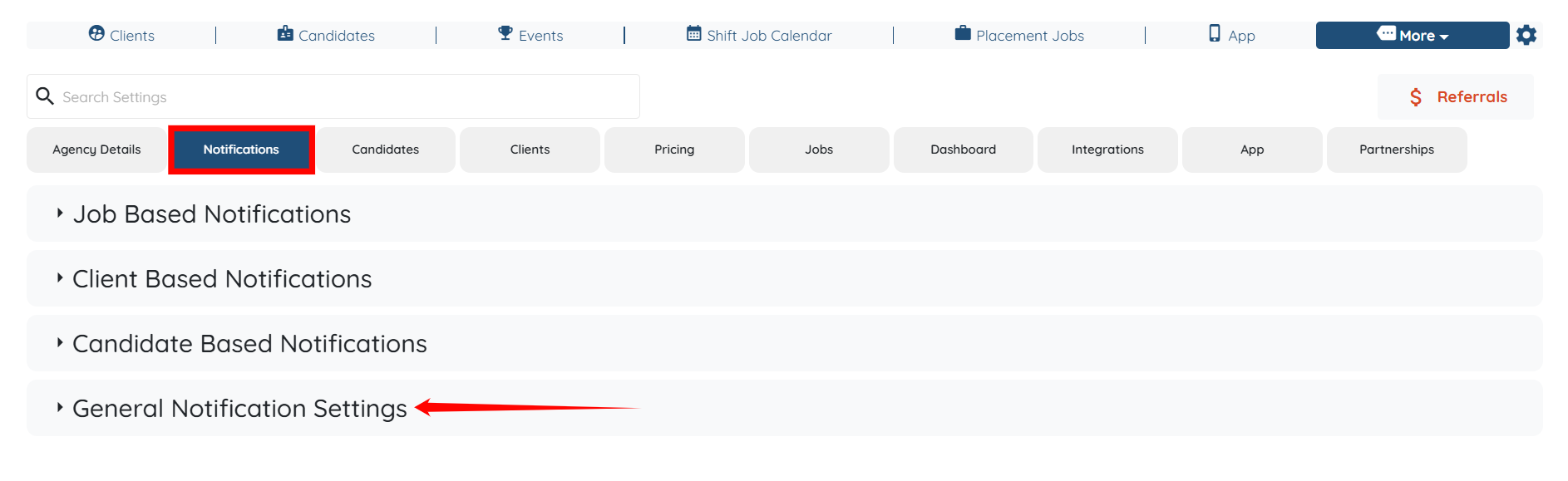
Step 3: Under the Notifications tab, click the General Notification Settings option to expand its details.
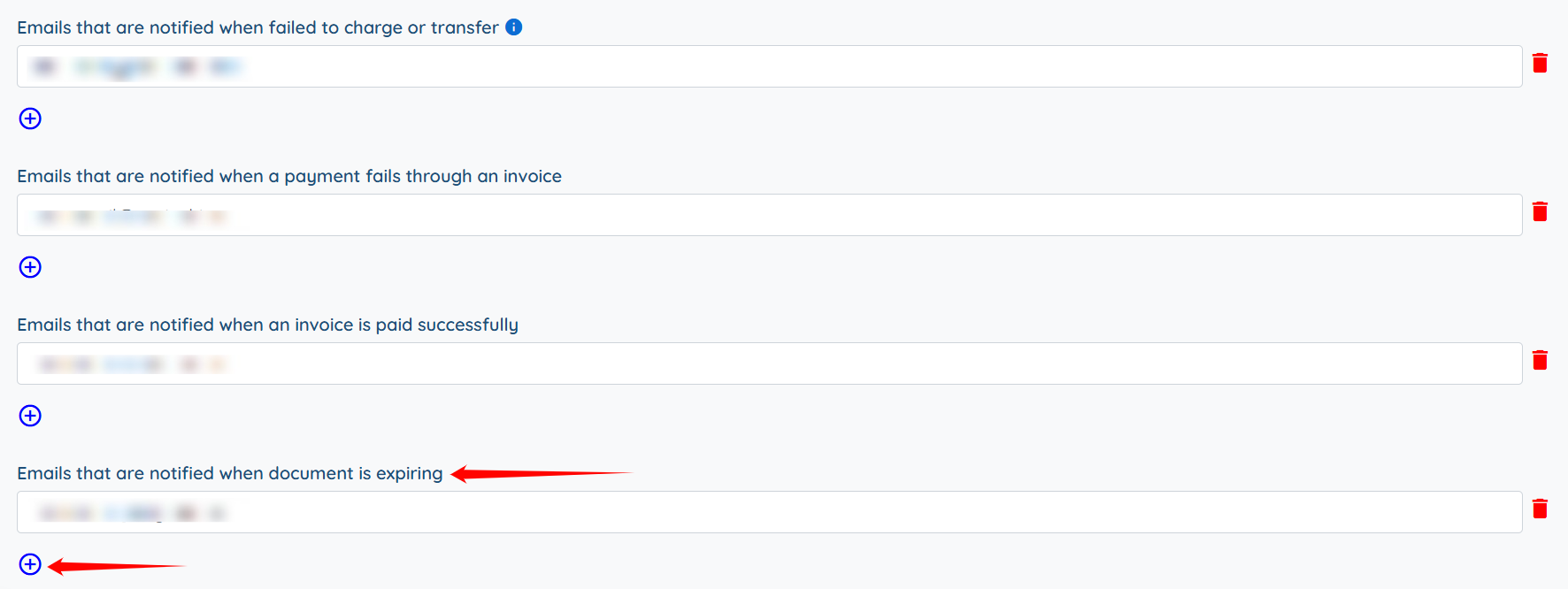
Step 4: Locate the Emails that are notified when the document is expiring option, and click the plus icon to add more emails (the email of any other admin you want to be notified) if needed.

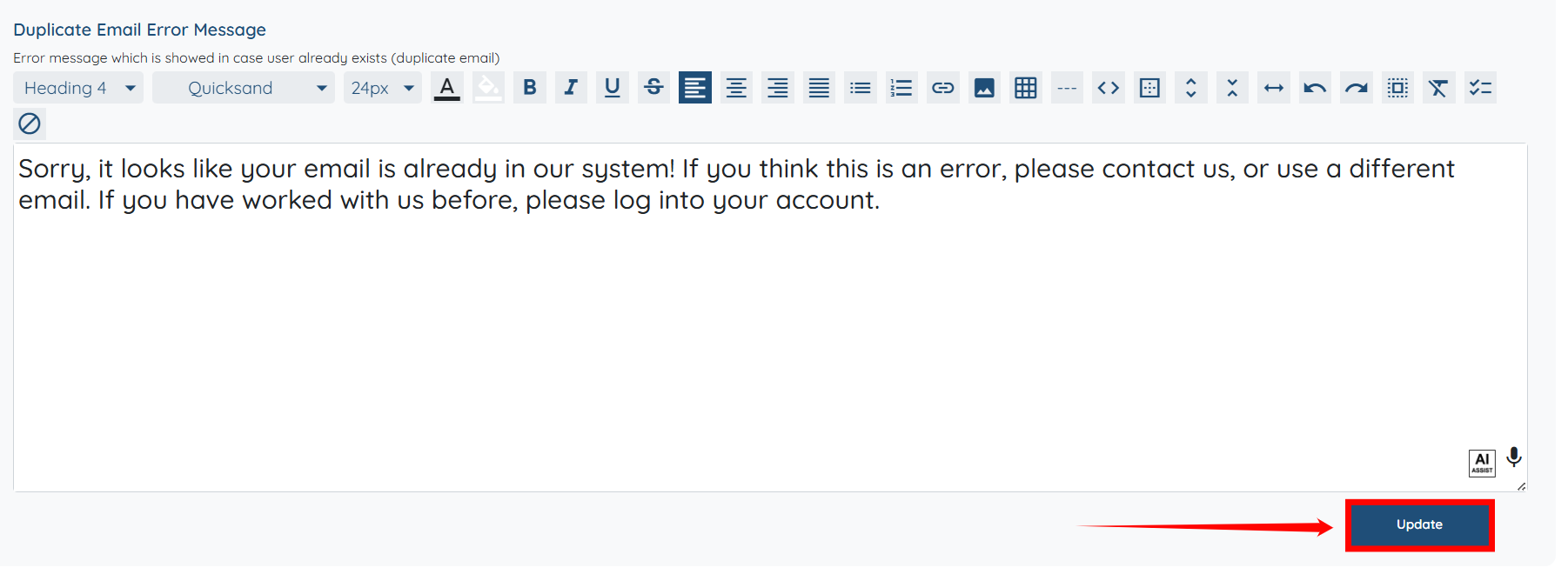
Step 5: Scroll down and click the Update button to confirm the changes.
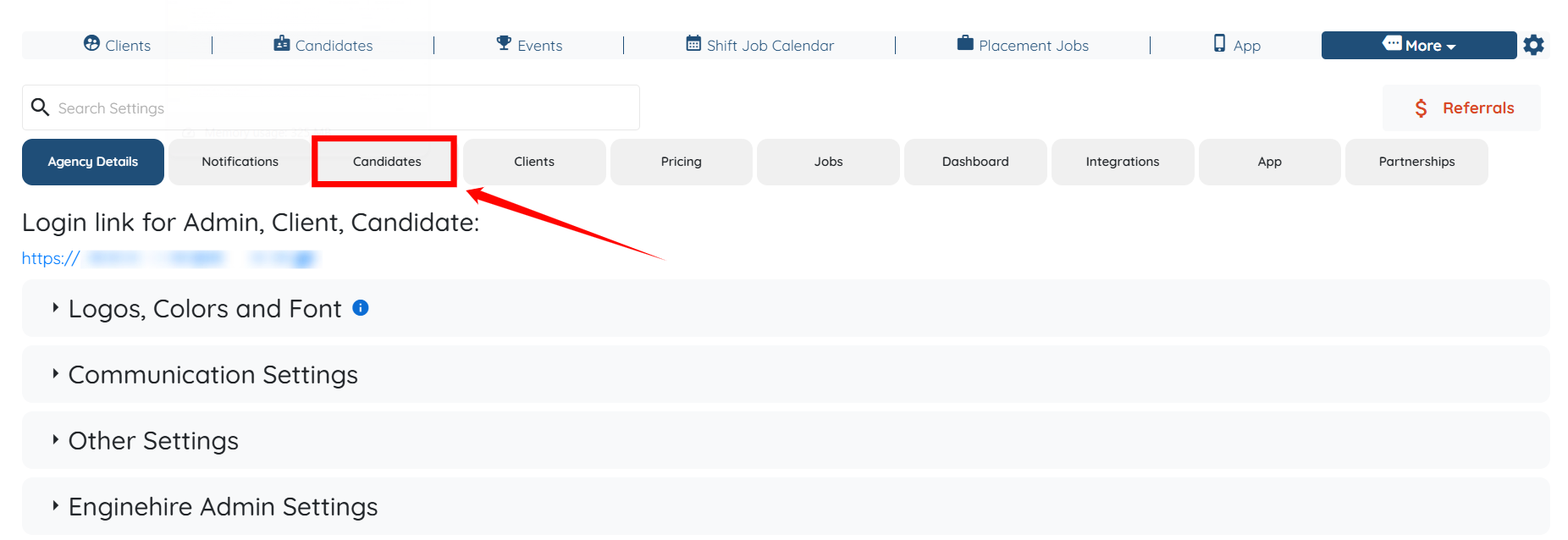
Step 6: Now, click the Candidates tab from the list of available tabs.
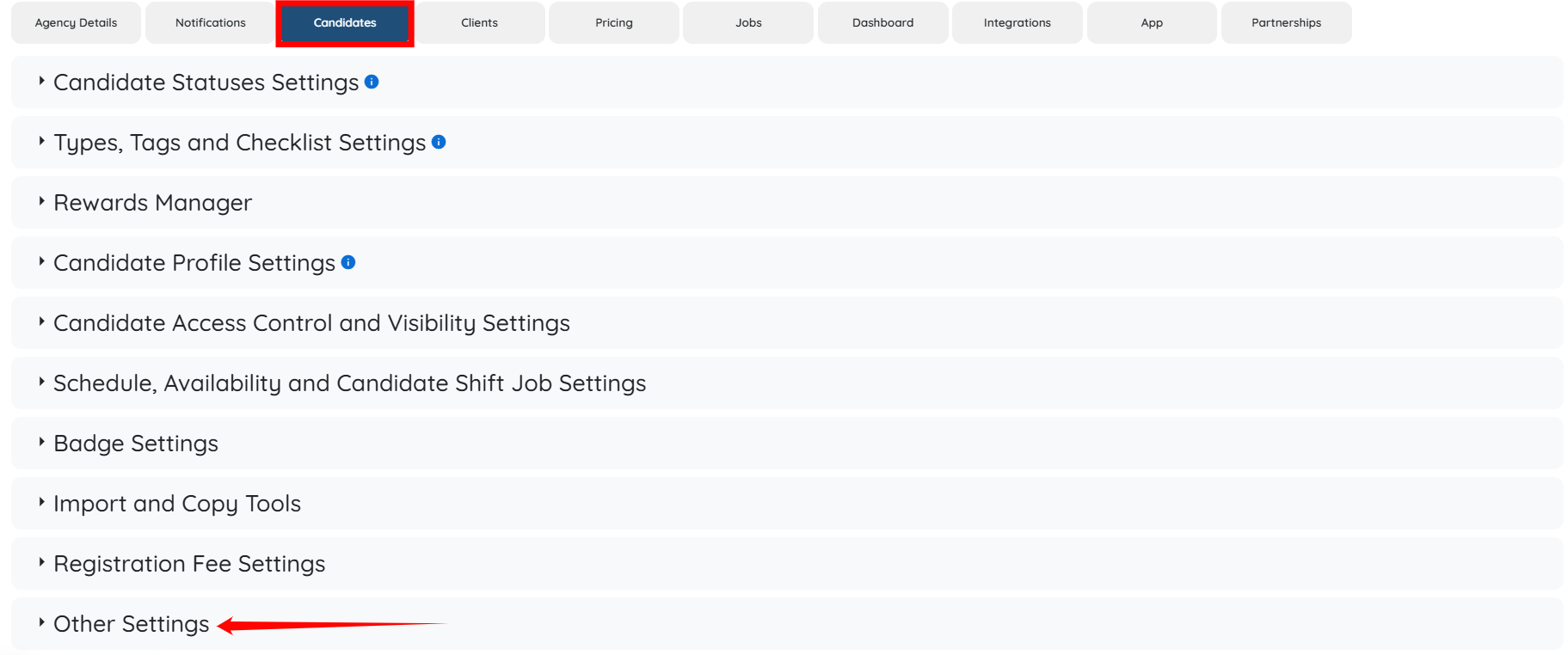
Step 7: Under the Candidates tab, click the Other Settings option to expand its details.
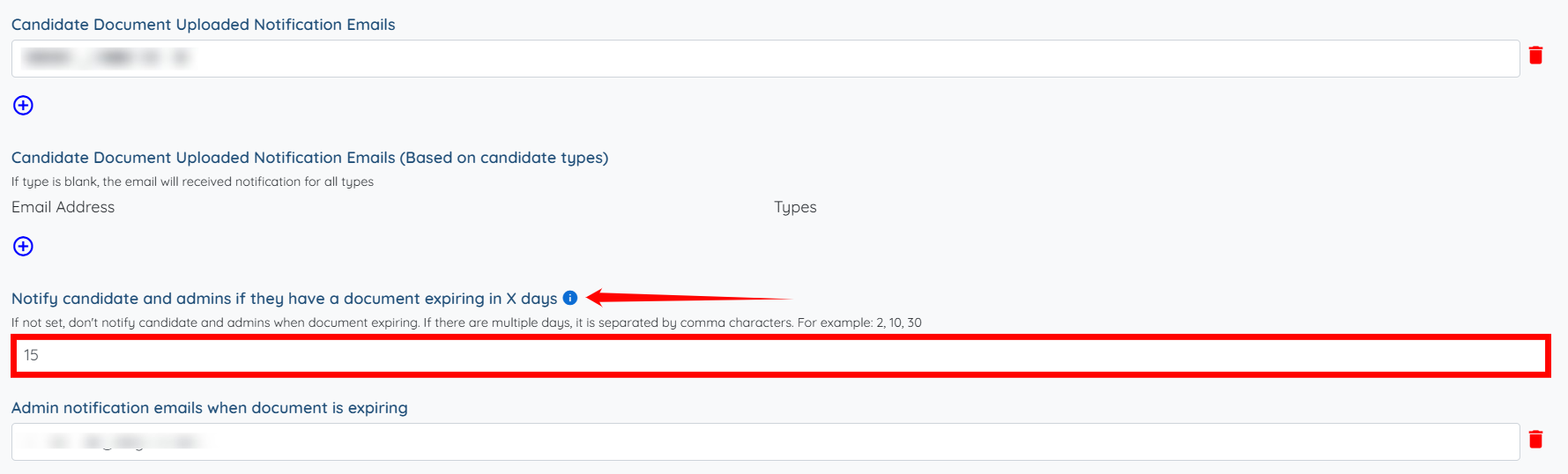
Step 8: Locate the Notify candidate and admins if they have a document expiring in X days option, and then enter the number of days you want the system to notify admins and candidates before their documents expire.
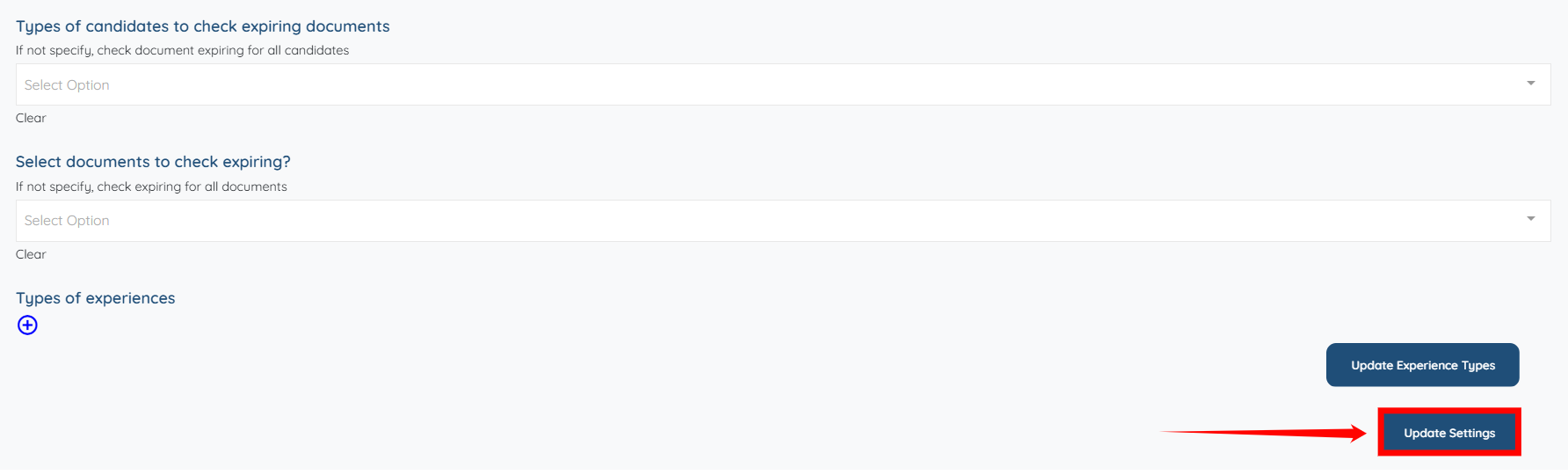
Step 9: Scroll down and click the Update Settings button to confirm the changes.
If this video doesn't answer your questions you can always contact us by clicking here
