
Navigate to More → Application & Profile Builder
Find the "Add User" type builder for Candidate and click on the pencil icon to open the Edit Dialogue
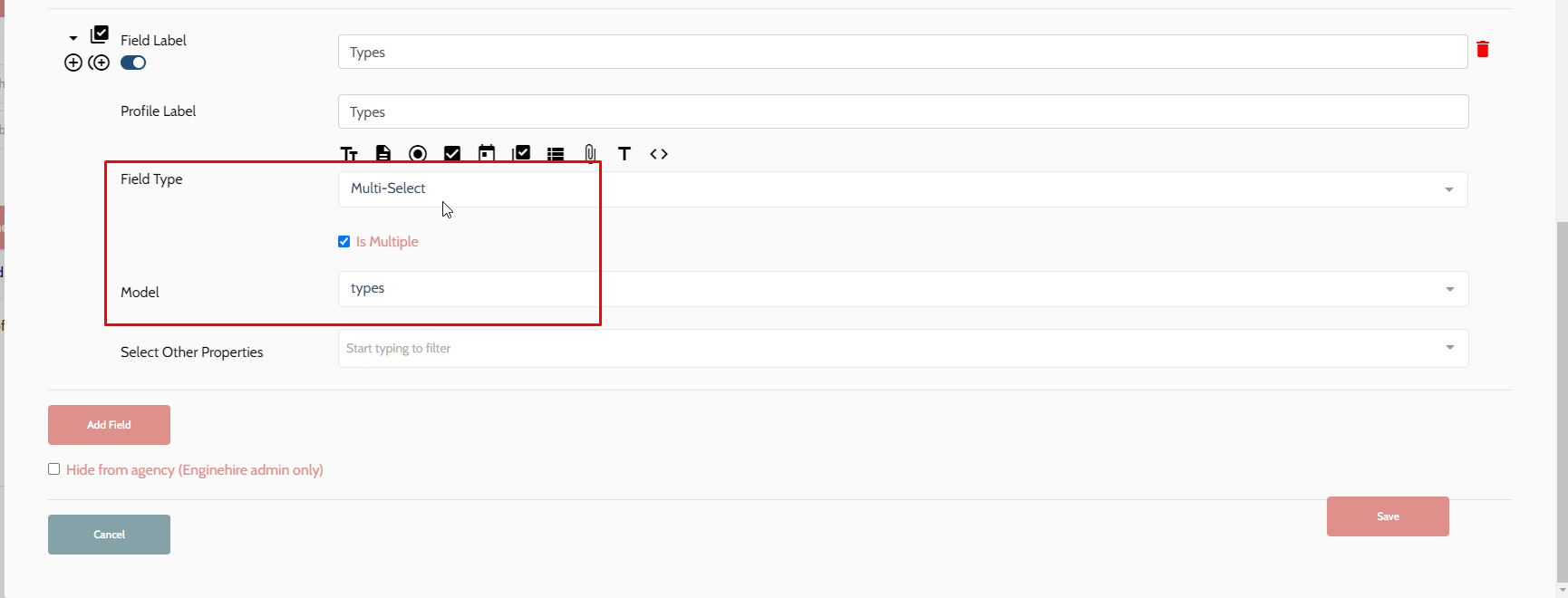
Add a new field and set the field type to "Multi-Select"
Check the box "is Multiple" if you would like have the option to select multiple types for an application.
Set the Model to "types" and click Save.
You should now have a Types added to the applicant quick form.